Playback
ClareVision Plus Network Video Recorder User Manual 81
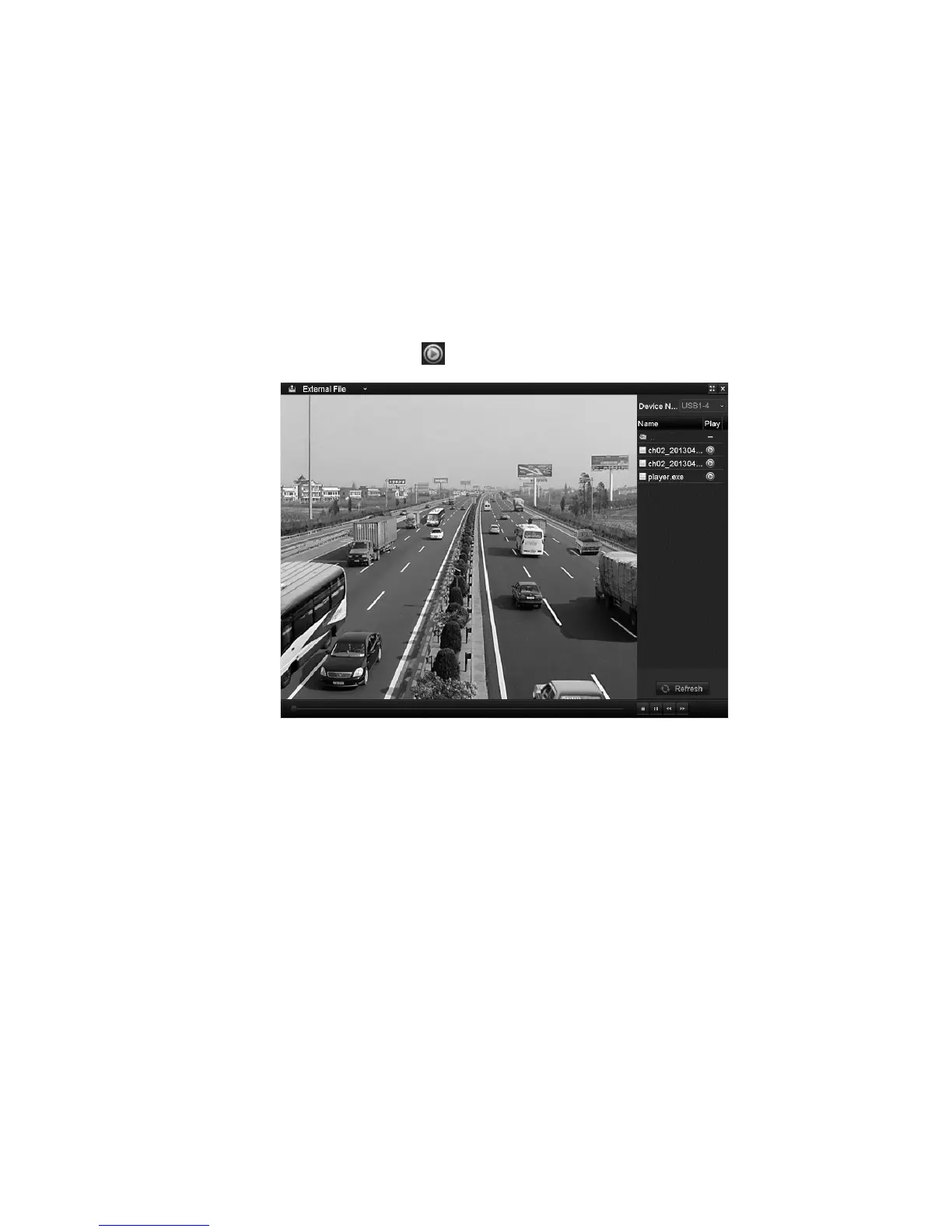
Playing back external file
Follow the steps to search for and play files in an external device.
To play back external files:
1. Browse to the Tag Search interface.
Menu > Playback
2. In the top-left drop-down, select External File.
The files are listed to the right side of the screen. Click Refresh, to refresh the
file list.
3. Select a file, and then click to play the file.
Playing back by sub-periods
Play the video files back in multiple sub-periods simultaneously on screen.
To play back sub-periods:
1. Browse to the Playback interface.
Menu > Playback
2. In the upper-left corner drop-down, select Sub-periods.
3. Select the date, and then play the video files.



 To Next Page