Other Settings
178 ClareVision Plus Network Video Recorder User Manual
Managing user accounts
There is a default account in the NVR. The Administrator user name is
“clareadmin” and the password is “secure7”. The Administrator has the
permission to add and delete users and configure user parameters.
Adding a user
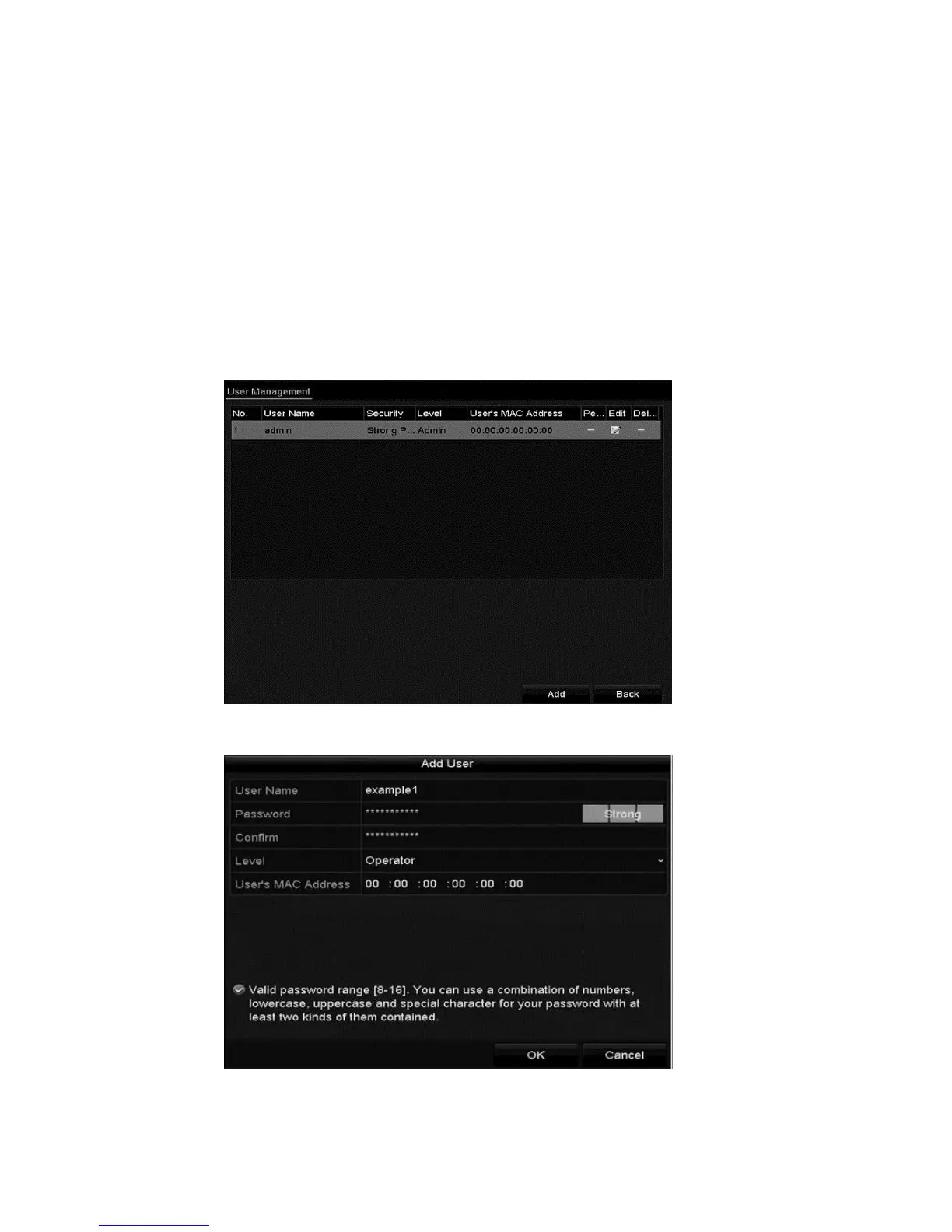
To add a user:
1. Browse to the User Management interface.
Menu > Configuration > User
2. Click Add.



 To Next Page