RAID
146 ClareVision Plus Network Video Recorder User Manual
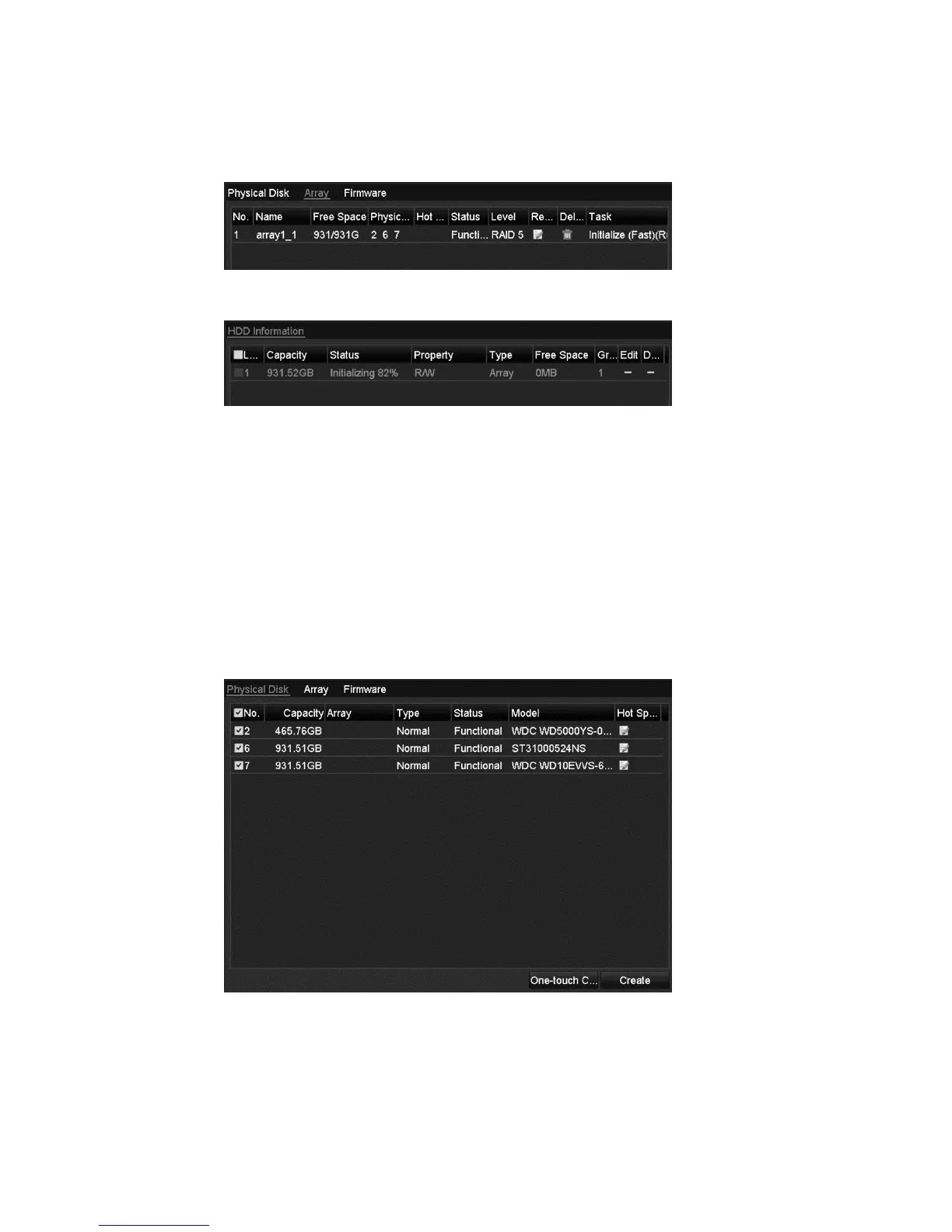
6. Click the Array tab to view the information of the created array.
Note: By default, one-touch configuration creates an array and a virtual disk.
7. A created array displays as an HDD in the HDD information interface.
Manually creating array
You can manually create the array of RAID 0, RAID 1, RAID 5 and RAID 10.
Note: In this section, we use RAID 5 as an example describing the manual
configuration of array and virtual disk.
To manually create an array and virtual disk:
1. Browse to the Physical Disk Settings interface.
Menu > HDD > RAID > Physical Disk



 To Next Page