RAID
ClareVision Plus Network Video Recorder User Manual 147
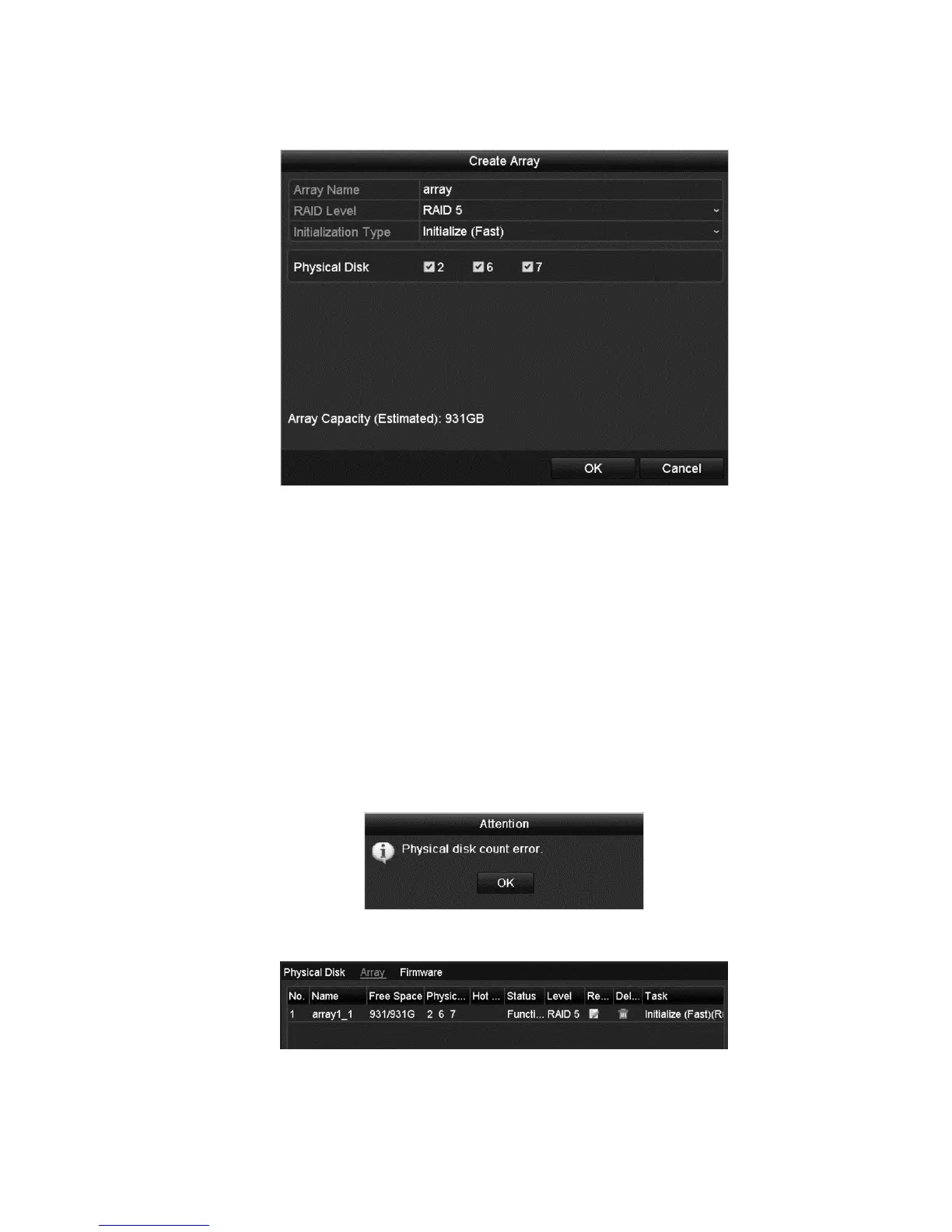
2. Click Create to enter the Create Array interface.
3. Edit the Array Name, set the RAID Level (0, 1, 5, 10), and then select the
Physical Disk for array configuration.
Raid levels
RAID 0: At least two HDDs must be installed.
RAID 1: 2 HDDs must be configured.
RAID 5: At least 3 HDDs must be installed.
RAID 10: 4, 6, or 8 HDDs must be configured.
4. Click OK to create an array.
Note: If the number of HDDs you select is not compatible with the
requirement of the RAID level, the error dialog displays.
5. Click the Array tab to view the successfully created array.



 To Next Page