Getting Started
26 ClareVision Plus Network Video Recorder User Manual
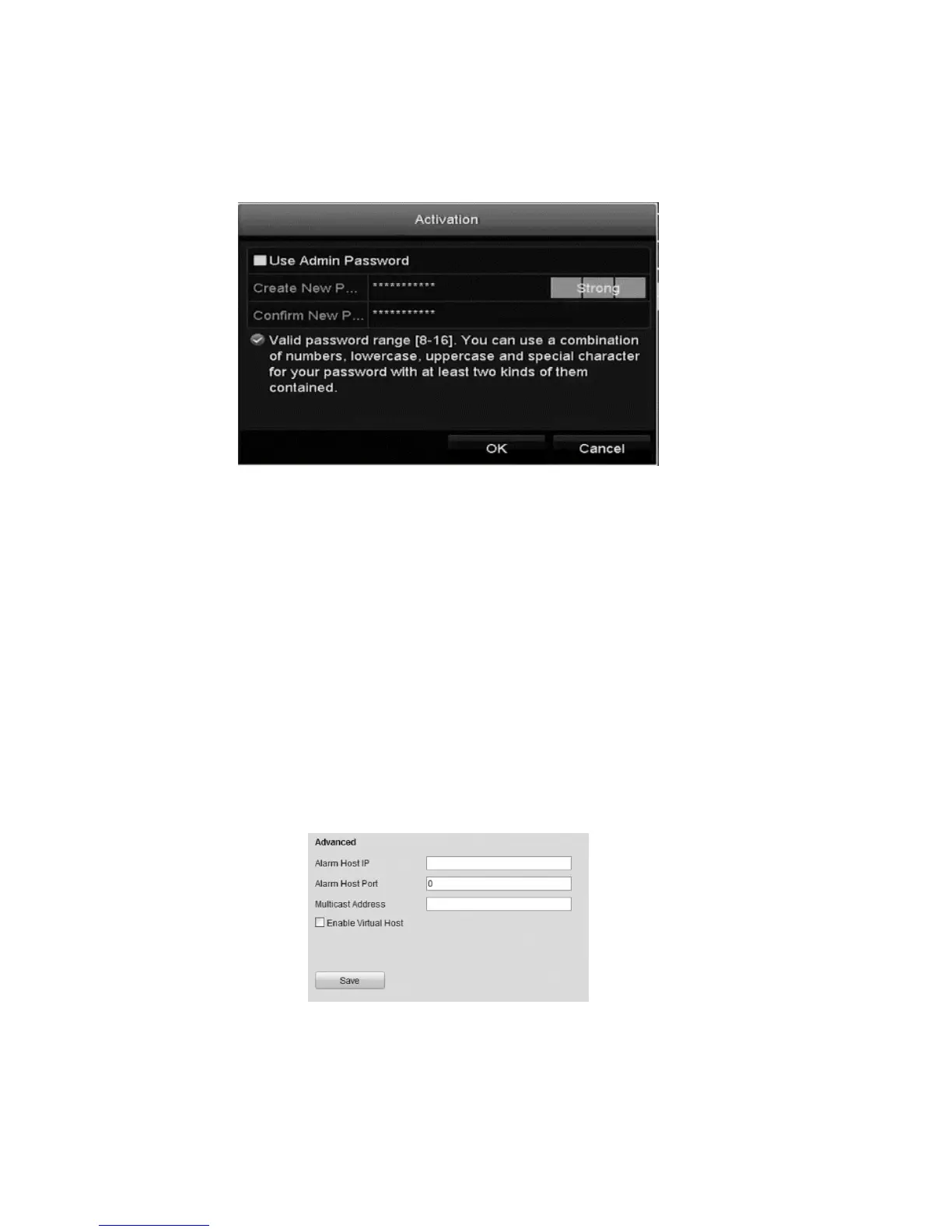
3. Enter and confirm a password, and then click OK.
Note: Select the Use Admin Password checkbox to configure the cameras
with the same admin password of the operating NVR.
Adding the online IP cameras
The main function of the NVR is to connect and record the network cameras
video stream. Add the network camera to the connection list to get a live view
and record of the video.
Before you start, ensure that the network connection is correct. For detailed
instructions about checking and configuring the network, see “Configuring Virtual
Host," Checking network traffic,” and “Configuring network detection” on page
138.
Directly access the IP camera management interface after enabling virtual host.
To configure virtual host:
1. Browse to the Advanced Settings interface.
Configuration > Remote Configuration >Network Settings > Advanced
2. Select the Enable Virtual Host checkbox.
3. Click Save.



 To Next Page