Alarm Settings
ClareVision Plus Network Video Recorder User Manual 99
Setting sensor alarms
Set the handling action of an external sensor alarm.
To set sensor alarms:
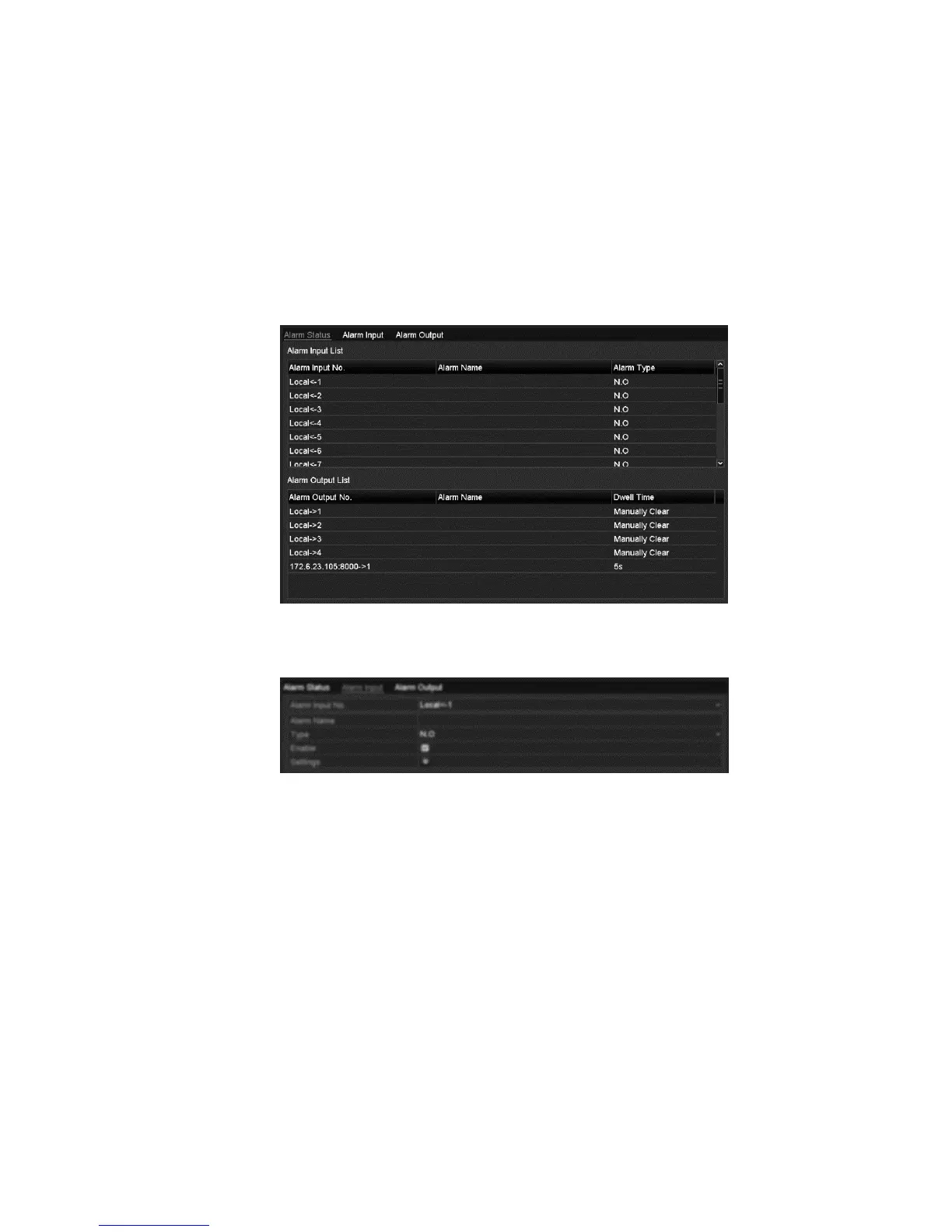
1. Enter the Alarm Settings of System Configuration and select an alarm input.
Menu > Configuration > Alarm
2. Click the Alarm Input tab.
3. Select the Enable checkbox, and then click Settings to set the alarm
response actions.
4. Click the Trigger Channel tab, and then select one or more channels to
record and capture or become full-screen monitoring when an external alarm
is detected.
5. Click Apply to save the settings.



 To Next Page