Record and Capture Settings
ClareVision Plus Network Video Recorder User Manual 63
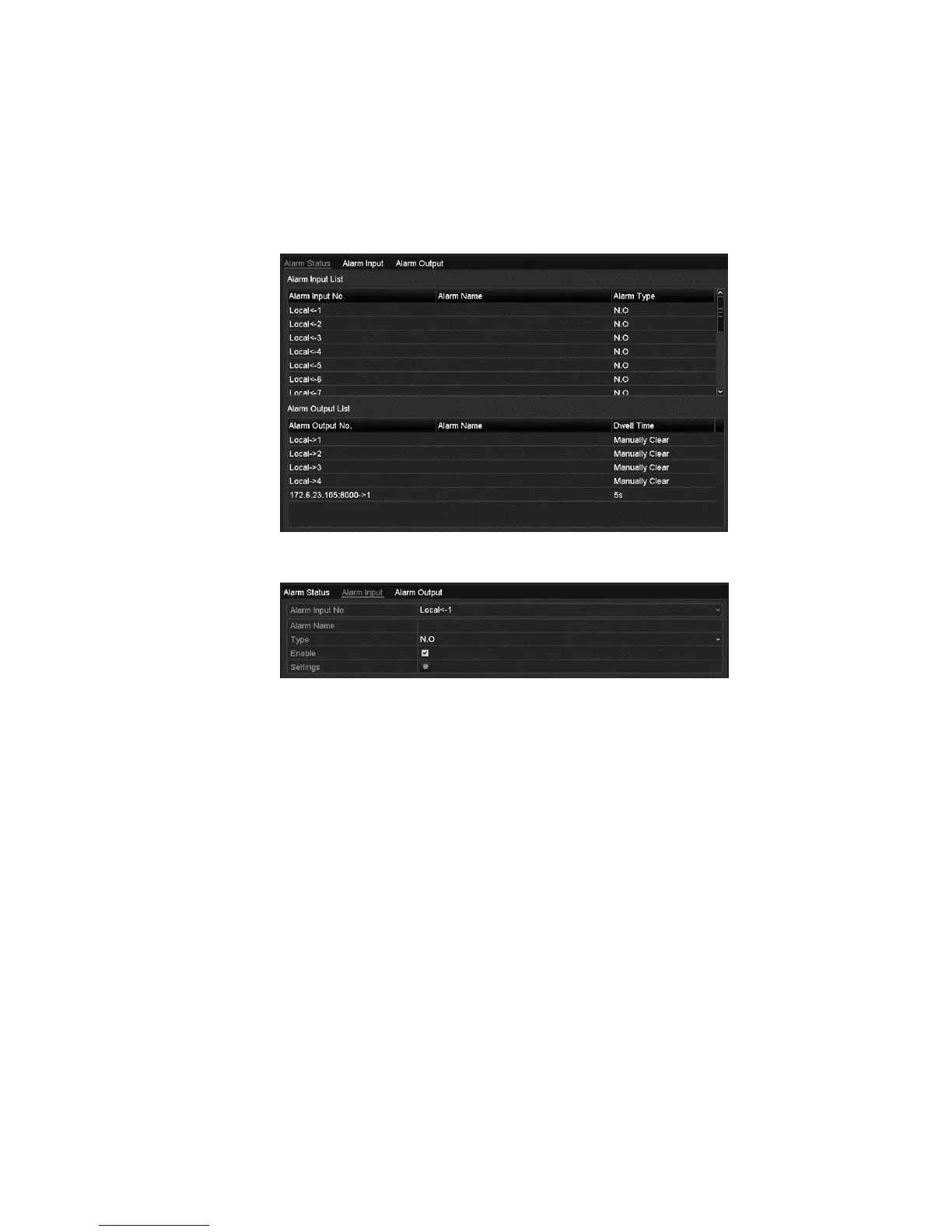
Configuring alarm triggered record and capture
To configure alarm triggered recording or capture:
1. Browse to the Alarm setting interface.
Menu > Configuration > Alarm
2. Click Alarm Input.
3. Select Alarm Input No., and then configure alarm parameters.
• Set the Alarm Type: N.O (normally open) or N.C (normally closed)
• Select the Enable checkbox



 To Next Page