Playback
74 ClareVision Plus Network Video Recorder User Manual
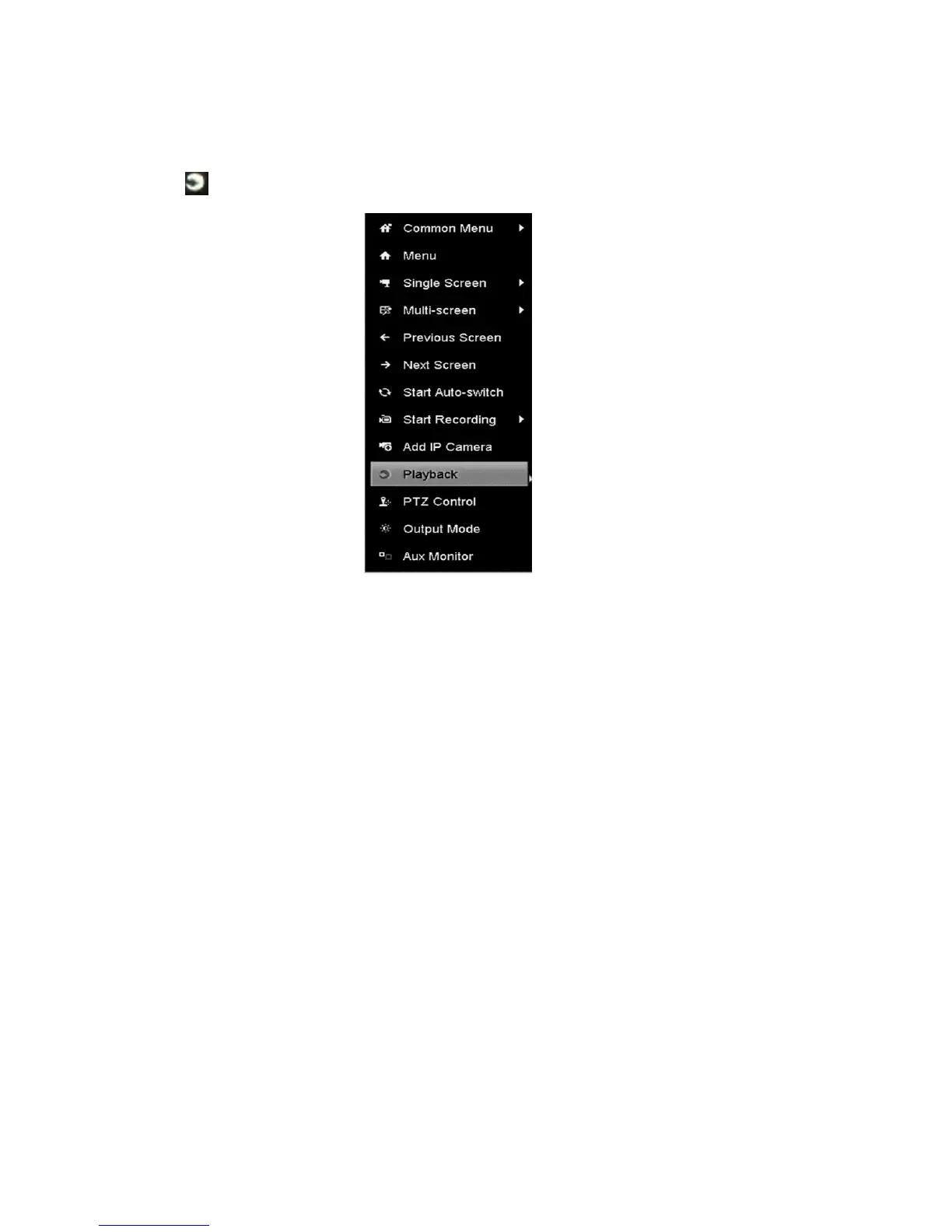
To use channel playback:
1. Enter the Playback interface.
Click in the right-click menu.
Playing back by event search
Play back record files on one or several channels searched out by restricting
event type (e.g., alarm input and motion detection).
To play back by event search:
1. Browse to the Playback interface.
Menu > Playback
2. Select Event in the top-left drop-down list.



 To Next Page