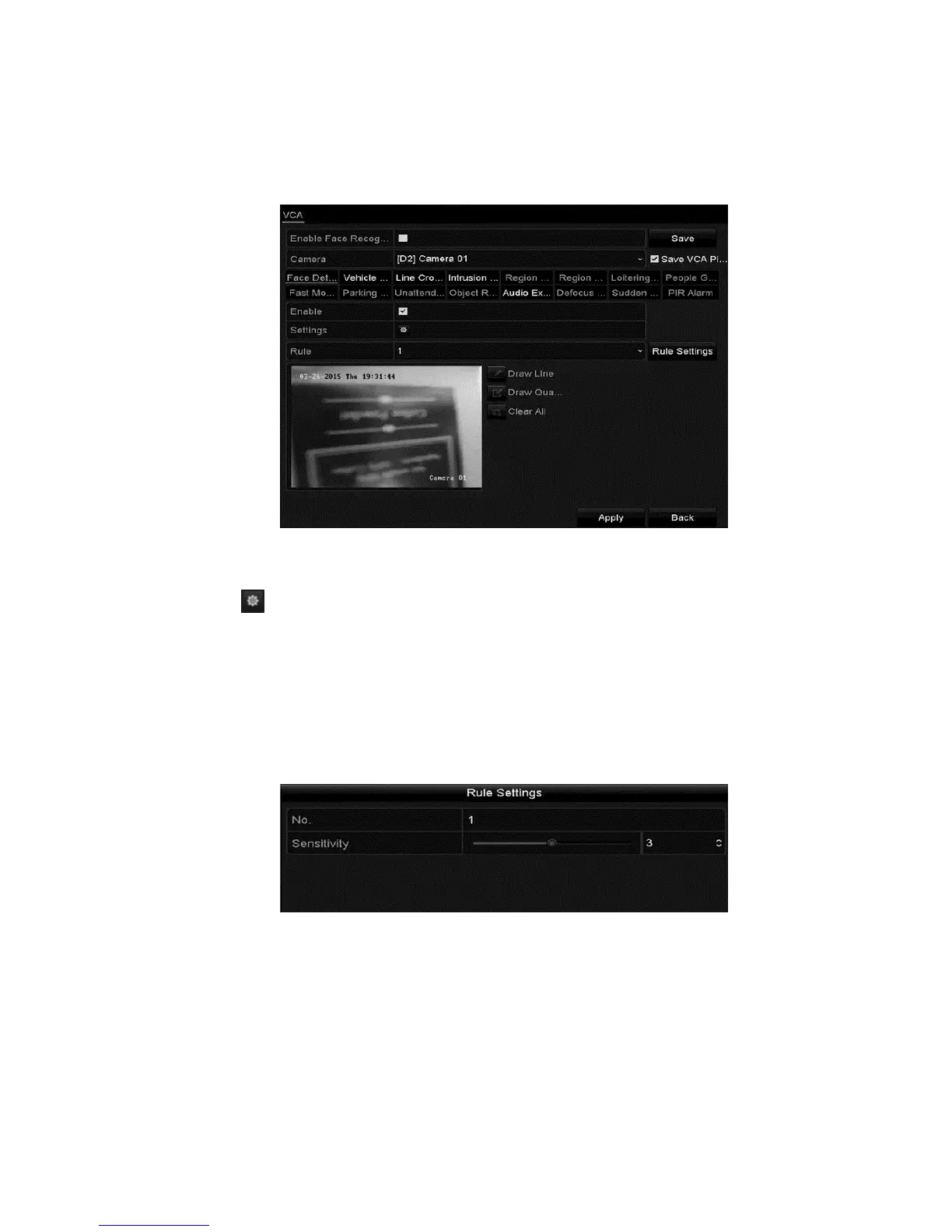
VCA Alarm
ClareVision Plus Network Video Recorder User Manual 109
2. Select the desired camera.
Note: Click the Save VCA Picture to save captures pictures from VCA
detection.
3. Set the VCA detection to Face Detection, and then select the Enable
checkbox.
4. Click to enter the face detection settings interface. Configure the trigger
channel, arming schedule, and linkage action. Refer to “Setting motion
detection alarms” on page 97.
5. Click Rule Settings to set the face detection rules, and then click and drag the
slider to set the desired level of sensitivity.
Sensitivity: The higher the sensitivity value (ranges from 1 to 5), the easier a
face is detected in the surveillance area.
6. Click Apply.
Vehicle detection
The vehicle detection function monitors road traffic. Passing cars are detected.
Configure actions in response to the triggered alarm.



 To Next Page