Getting Started
24 ClareVision Plus Network Video Recorder User Manual
Logging in and out
If the NVR has logged out, you must login the device before you can access the
menu or other features.
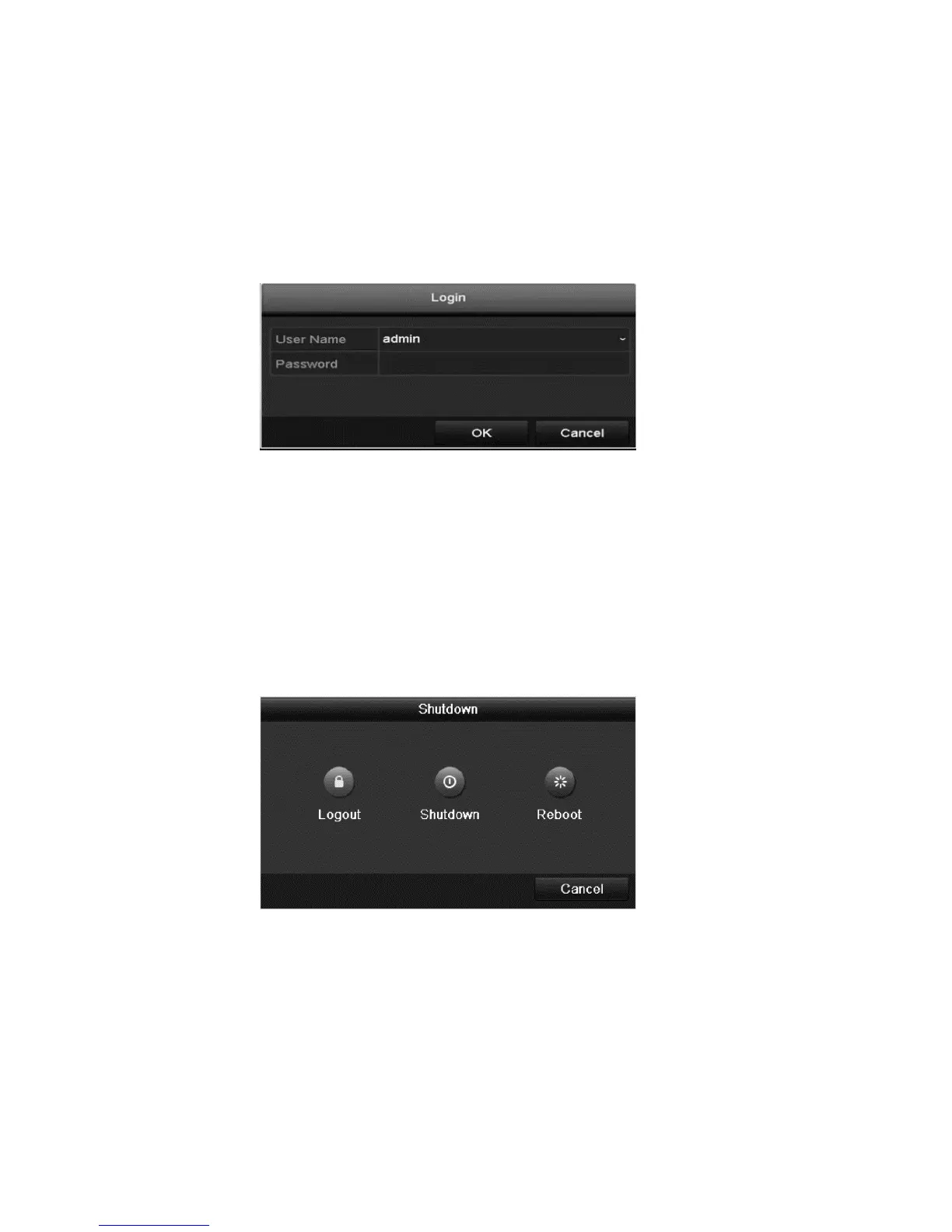
To log into the NVR:
1. Select the desired user name.
2. Enter the password.
3. Click OK.
Note: If you enter incorrect log in information 7 times, the selected user
account is locked for 60 seconds.
To log out of the NVR:
1. Enter the Shutdown menu.
Menu > Shutdown
2. Click Logout.
3. Click OK.



 To Next Page