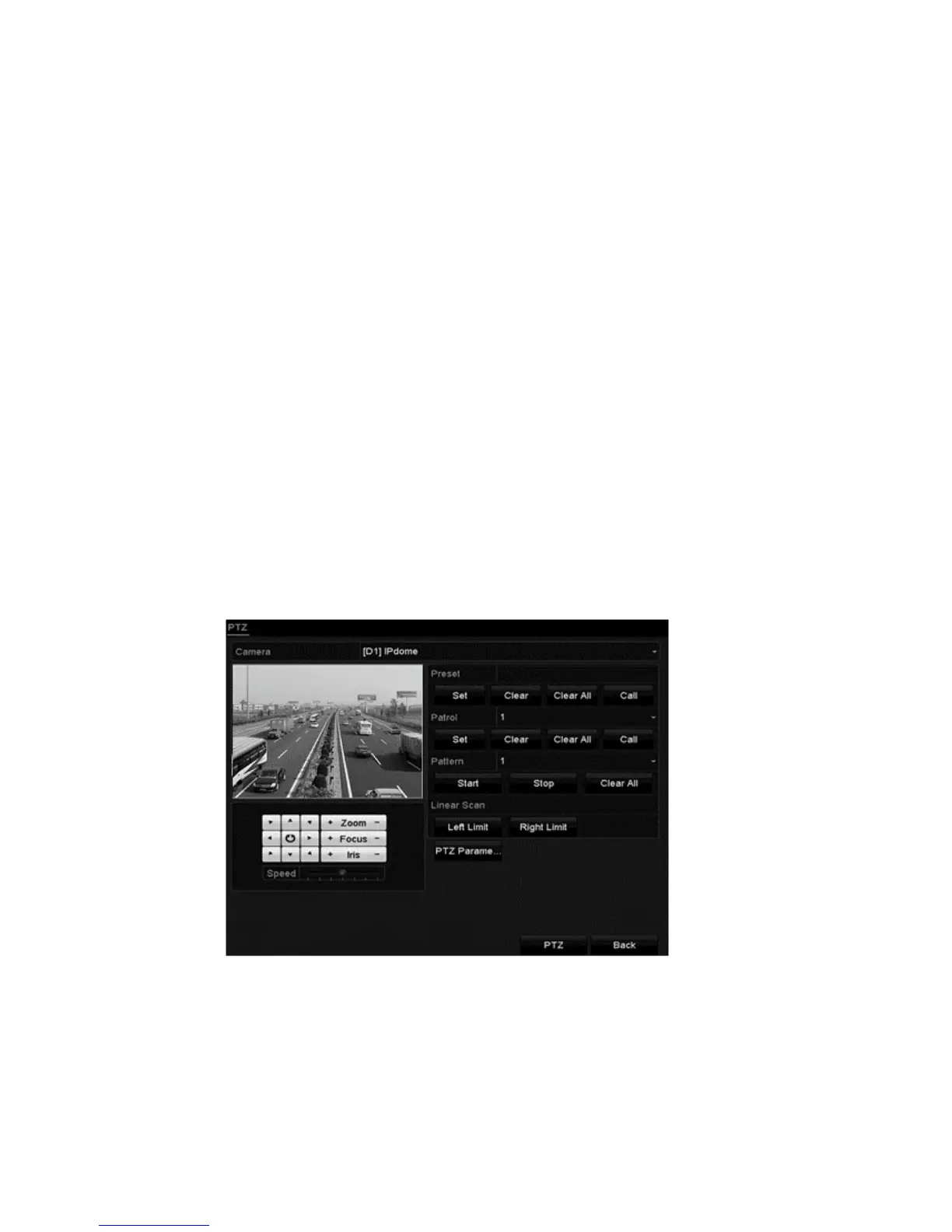
PTZ Settings
46 ClareVision Plus Network Video Recorder User Manual
3. Select the camera for PTZ use in the Camera drop-down list.
4. Enter the parameters of the PTZ camera.
Note: All parameters must match the PTZ camera’s parameters. For
example, if the PTZ camera uses the protocol PRIVATE, select PRIVATE in
the PTZ Protocol field.
5. Click Apply to save the settings.
Setting PTZ presets, patrols, and patterns
Note: Make sure that the presets, patrols, and patterns are supported by PTZ
protocols.
Customizing presets
Follow the steps below to set the preset location for the PTZ camera to point
when an event takes place.
To set the preset location:
1. Browse to the PTZ Control interface.
Menu > Camera > PTZ
2. Use the direction buttons to move the camera to the desired preset location,
and then adjust the focus and zoom.
3. Enter the preset number (1 to 255), and then click Set.
This links the location to the preset.



 To Next Page