VCA Alarm
112 ClareVision Plus Network Video Recorder User Manual
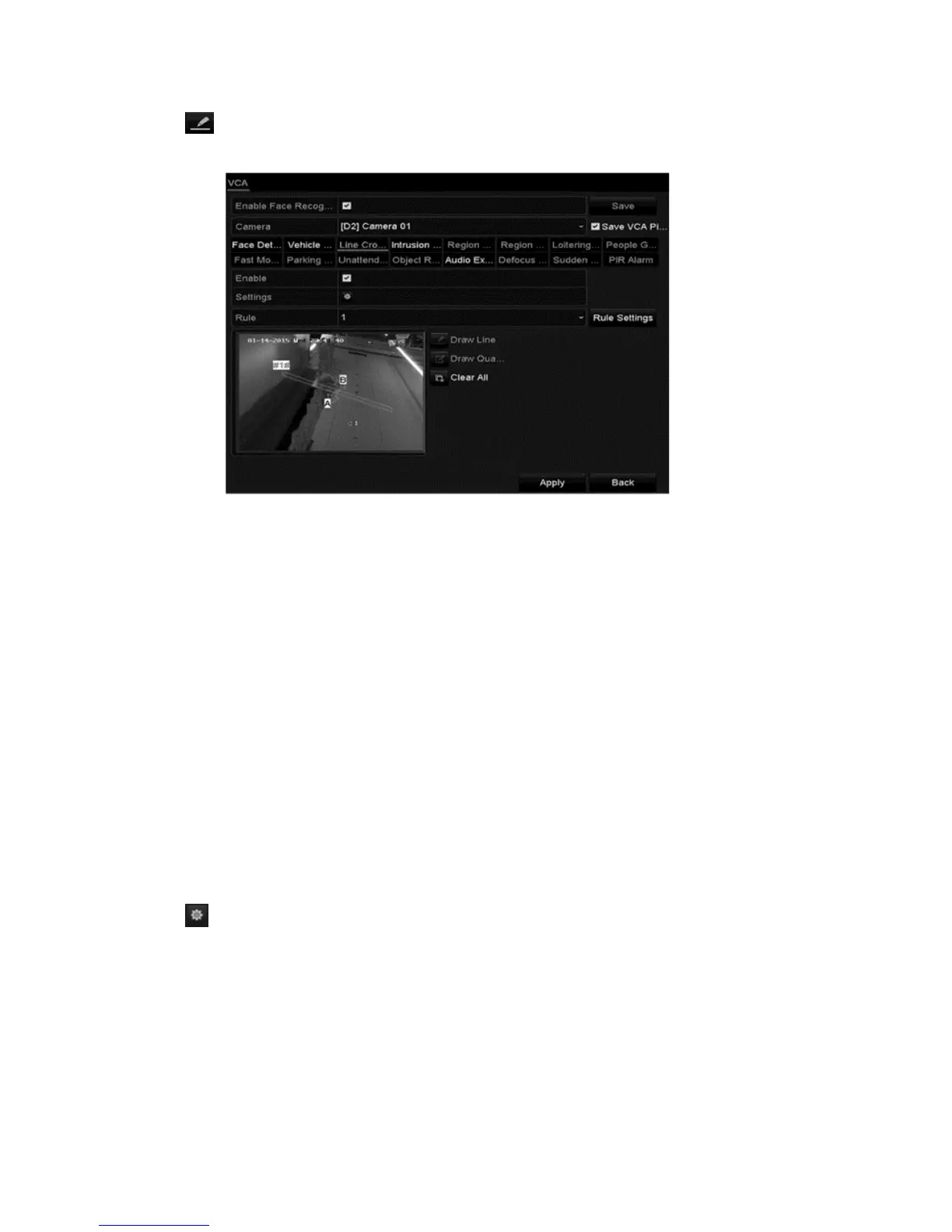
6. Click and set the two points in the preview window to draw a virtual line.
Up to 4 rules can be configured.
7. Click Apply.
Intrusion detection
The intrusion detection function detects people, vehicles, or objects entering and
loitering in a pre-defined region. Actions are configured in response to these
alarms.
To configure intrusion detection:
1. Browse to the VCA settings interface.
Menu > Camera > VCA
2. Select the desired camera.
Note: Click the Save VCA Picture to save captures pictures from VCA
detection.
3. Set the VCA detection to Intrusion Detection, and then select the Enable
checkbox.
4. Click to configure the trigger channel, arming schedule, and linkage
actions.
5. Click Rule Settings and configure the following parameters.
Threshold: Range 1s to 10s. The amount of time that the object is in the set
area. When the object is in the region longer than the threshold time, the
alarm is triggered.



 To Next Page