VCA Alarm
ClareVision Plus Network Video Recorder User Manual 113
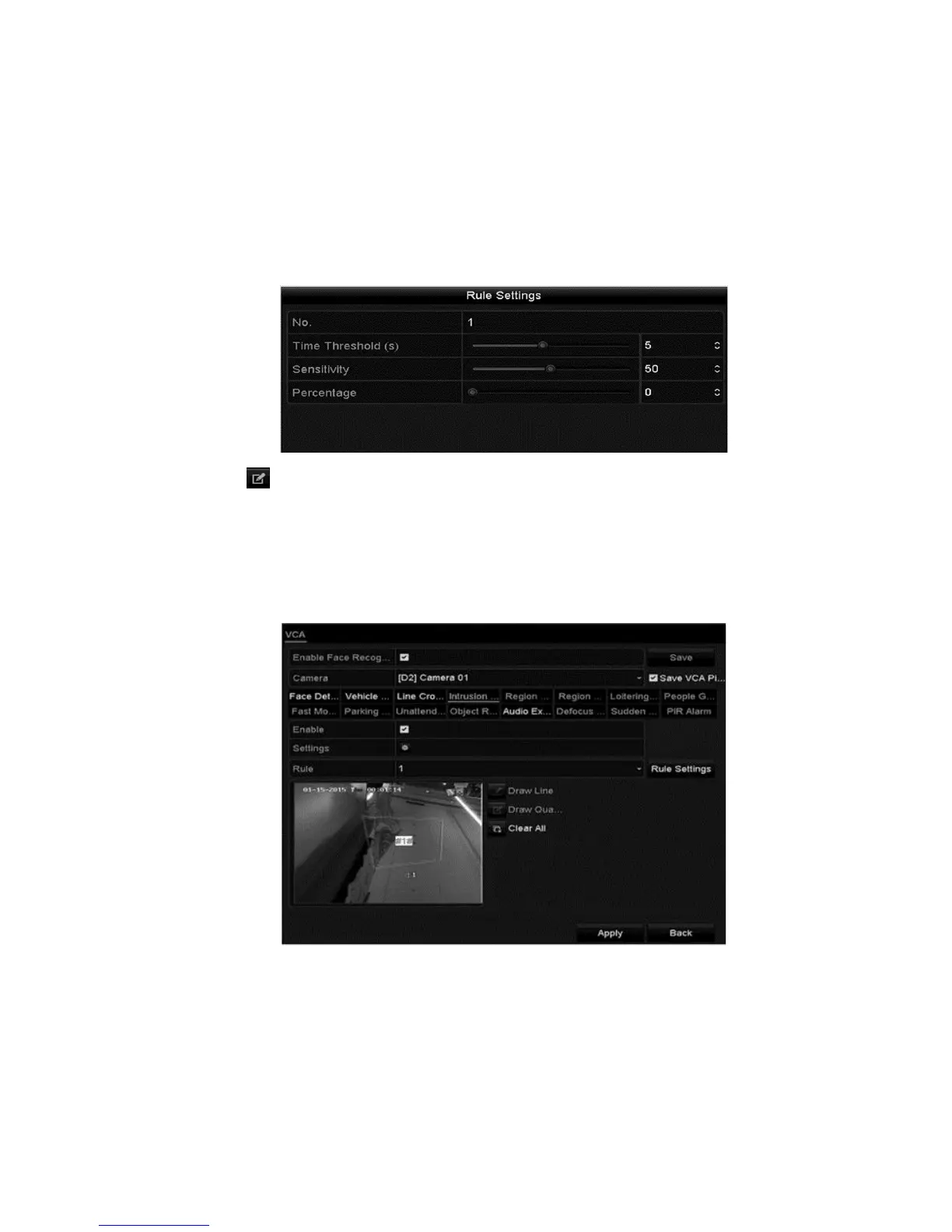
Sensitivity: Range 1 to 100. The value of the sensitivity defines the size of
the object that triggers the alarm. The higher the value, the more easily the
alarm is triggered.
Percentage: Range 1 to 100. The ratio of the in-region part of the object
which triggers the alarm. For example, if the percentage is set at 50%, when
the object enters the region and occupies half of the entire region, the alarm
is triggered.
6. Click , and then draw a quadrilateral by setting the 4 corners. Right-click to
complete drawing the region.
Notes
• Only 1 region can be configured.
• Up to 4 rules can be set.
7. Click Apply.



 To Next Page