Network Video Recorder User Manual 55
Record and Capture Settings
Note: The CVP-P64050-10 is the only ClareVision Plus NVR that supports
capture.
Configuring parameters
By configuring the encoding parameters, you can define the parameters affecting
image quality, such as the transmission stream type, the resolution, and so on.
Note: The HDD must be installed and initialized before configuring the
parameters.
To prepare the HDD:
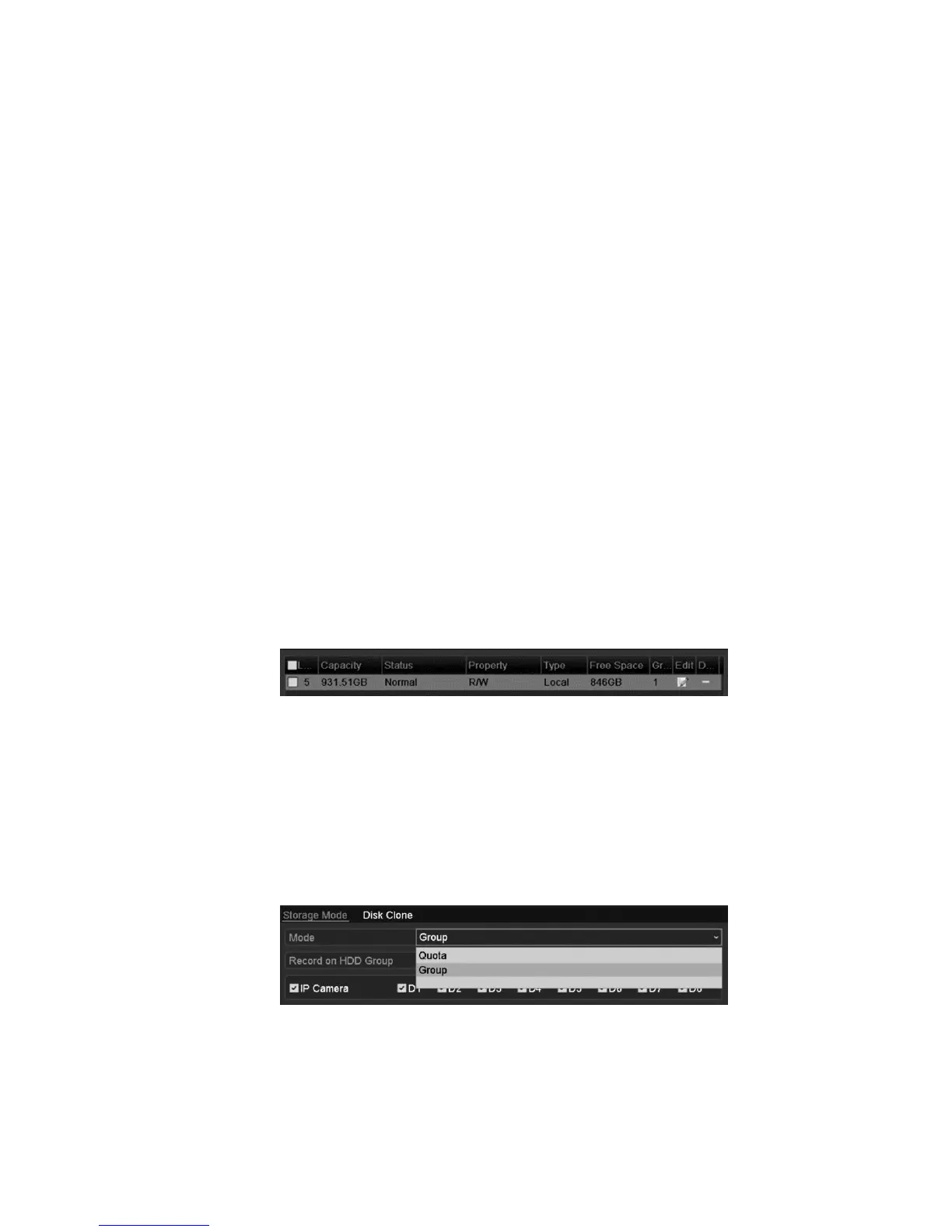
1. Make sure that the HDD is installed. If not, install and initialize it now.
Menu > HDD > General
2. Check the storage mode of the HDD.
a. Click Advanced to check the storage mode of the HDD.
b. If the HDD mode is set to Quota, set the maximum record capacity and
maximum picture capacity.
c. If the HDD mode is set to Group, set the HDD group. For detailed
information, see “Configuring HDD groups for recording and capture”
on page 69.



 To Next Page