Record and Capture Settings
ClareVision Plus Network Video Recorder User Manual 67
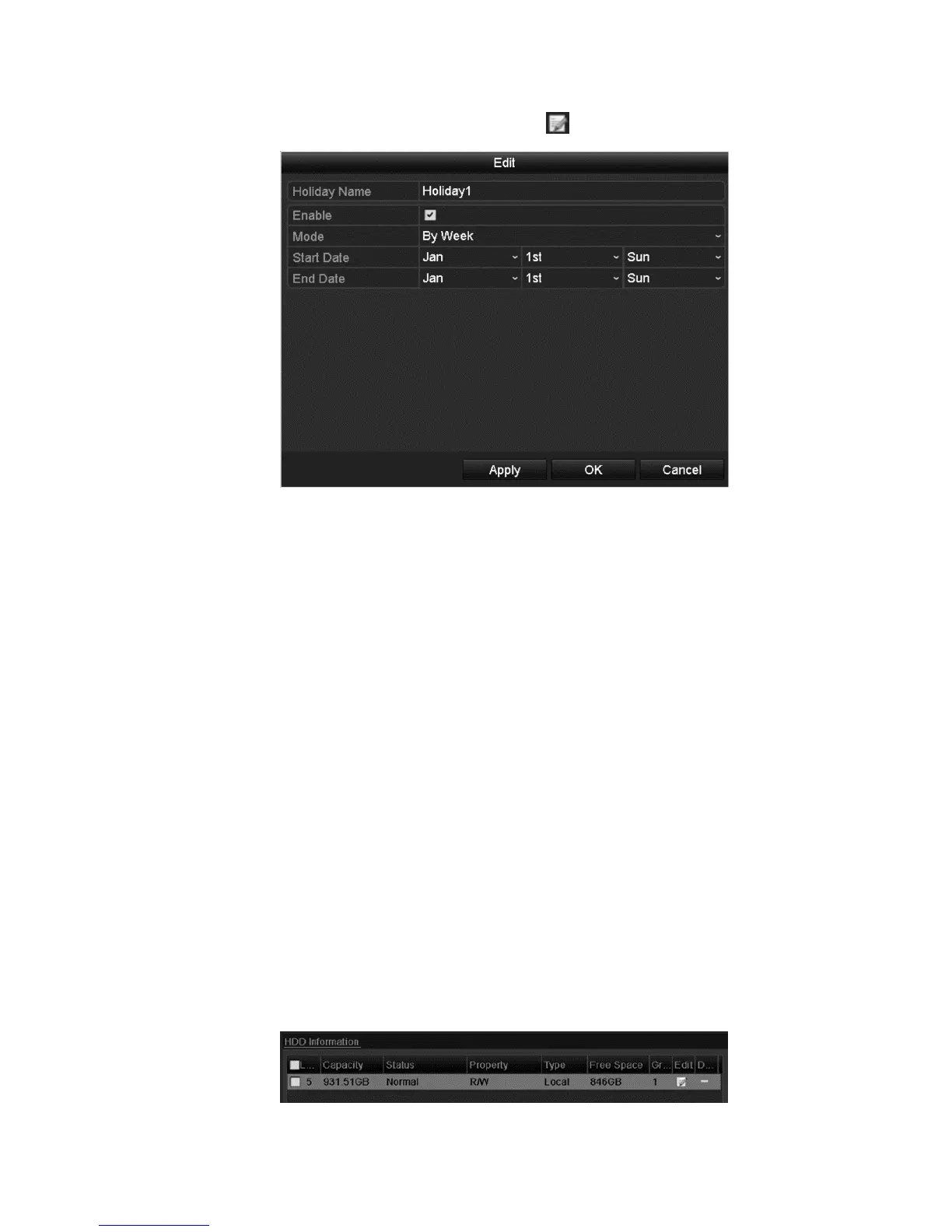
2. To enable the Edit Holiday schedule, click to enter the Edit interface.
3. Select the Enable checkbox.
4. Choose Mode from the drop-down list.
There are three different modes for the date format to configure holiday
schedule.
5. Set the start and end date.
6. Click Apply to save your settings.
7. Click OK to exit the Edit interface.
8. Enter the Record/Capture Schedule interface and edit the holiday recording
schedule.
Configuring redundant recording and capture
Enable redundant recording and capture to save the record files and captured
pictures in the R/W HDD and in the redundant HDD, if available. This will
enhance the data safety and reliability.
To configure redundant recording and capture:
1. Browse to the HDD Information interface.
Menu > HDD



 To Next Page