Network Video Recorder User Manual 152
HDD Management
Initializing HDDs
Initialize the hard disk drive (HDD) before using it with your NVR.
Notes
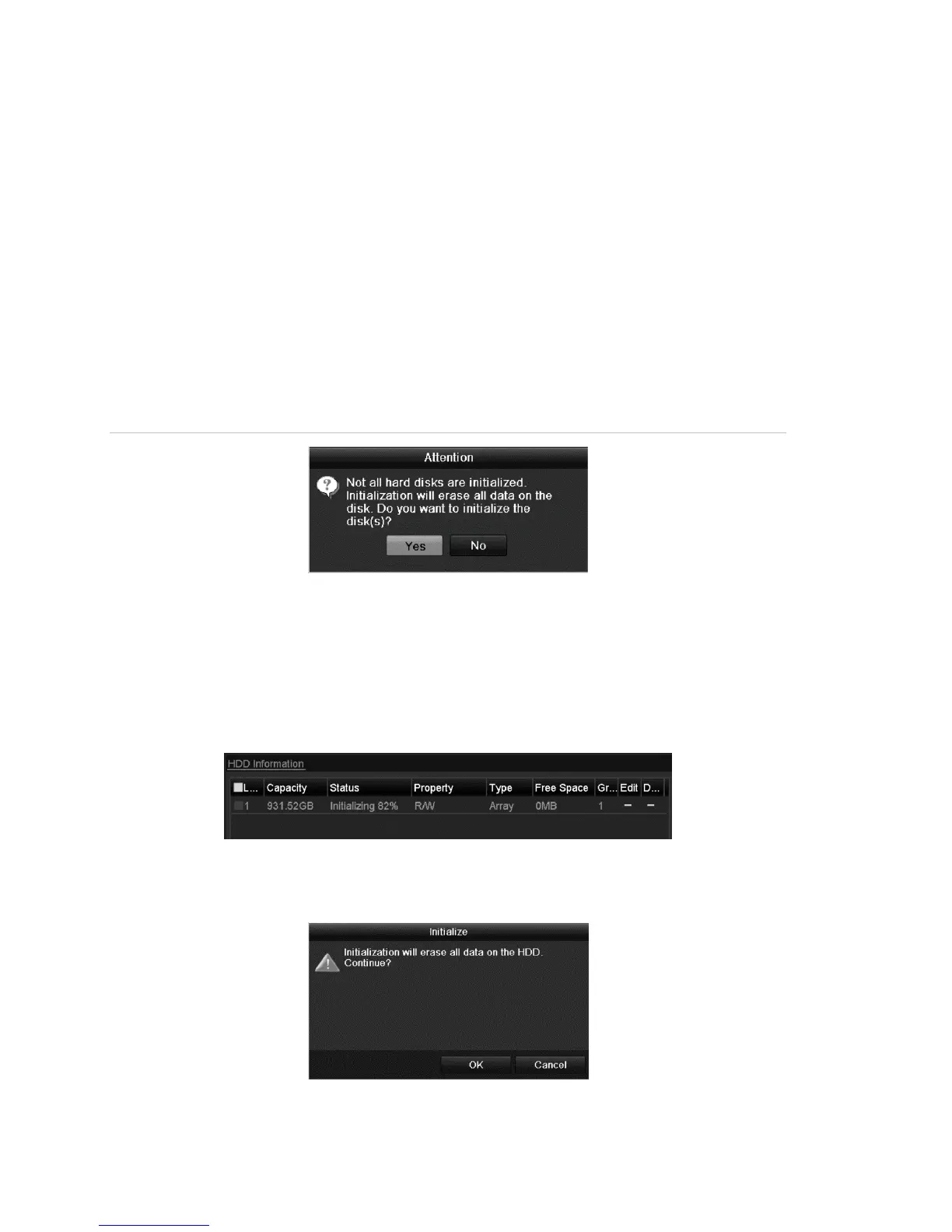
• When the NVR starts, a dialog displays if any uninitialized HDD exists.
• Initializing the HDD will erase all existing data on it.
Figure 28: Dialog of uninitialized HDD
Click Yes to initialize it immediately, or you can perform the following steps to
initialize the HDD.
To initialize HDD:
1. Browse to the HDD Information interface.
Menu > HDD > General
2. Select the HDD to initialize.
3. Click Init.



 To Next Page