Network Settings
ClareVision Plus Network Video Recorder User Manual 139
2. Select the Enable Virtual Host checkbox.
3. Click Save.
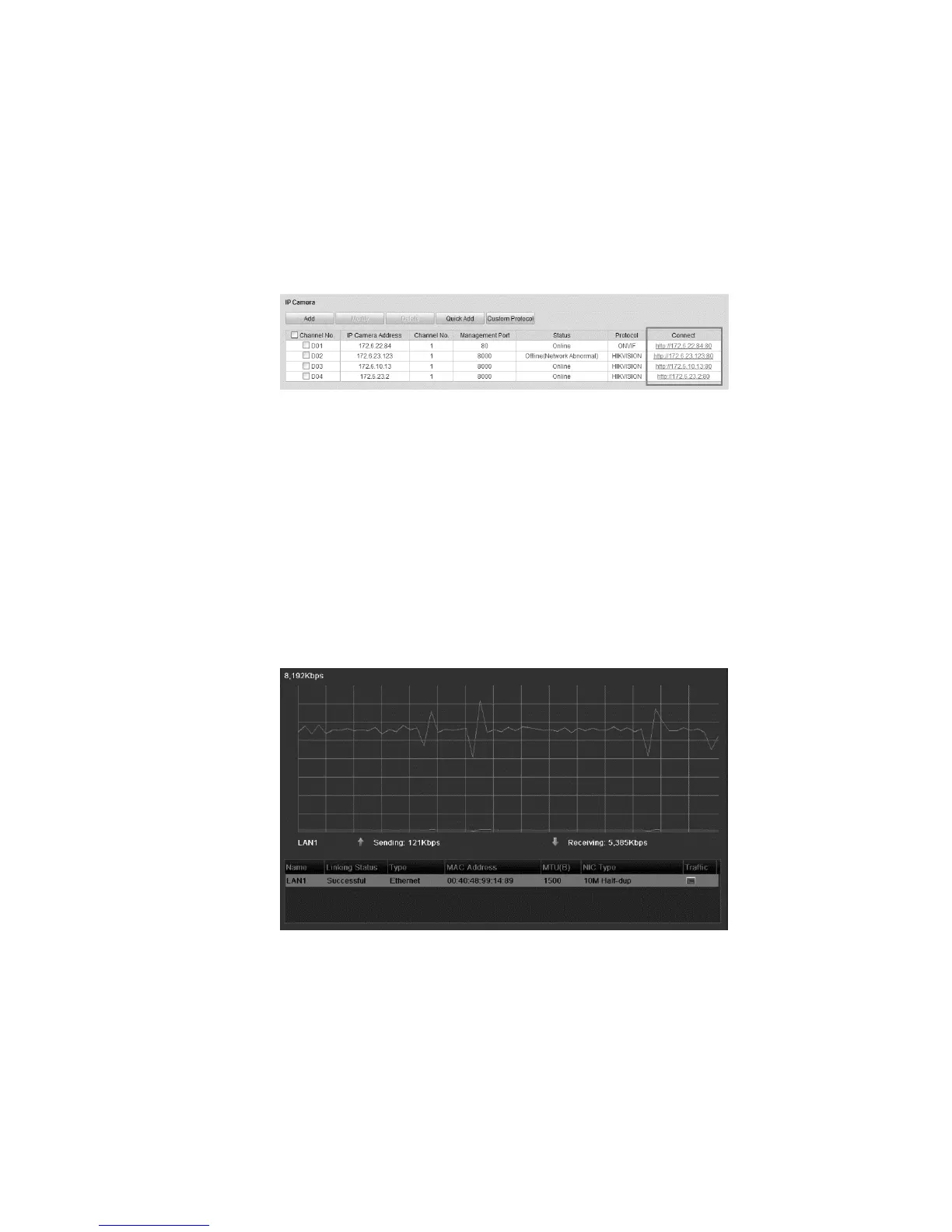
4. Enter the IP Camera Management interface and observe the Connect
column.
Configuration > Remote Configuration > Camera Management > IP
Camera
5. Click the link and IP Camera Management IP page displays.
Checking network traffic
You can check the network traffic to obtain real-time information of the NVR such
as linking status, MTU, sending/receiving rate, etc.
To configure network traffic:
1. Browse to the Network Traffic interface.
Menu > Maintenance > Net Detect
View the sending and receiving rate information on the interface. The traffic data
is refreshes every second.



 To Next Page