NVR Management and Maintenance
170 ClareVision Plus Network Video Recorder User Manual
Importing and exporting IP camera info
Generate the information of a connected IP camera into an Excel file.
To import and export configuration files:
1. Browse to the camera management interface.
Menu > Camera > IP Camera Import/Export
2. Click the IP Camera Import/Export tab.
3. Click Export to export the files to the selected backup device.
4. To import a configuration file, select the file from the backup device, and then
click Import.
You must reboot the camera after importing a file.
Importing and exporting configuration files
The configuration files of the NVR are exported to a local device for backup; and
the configuration files of one NVR is imported to multiple NVR devices if they are
configured with the same parameters.
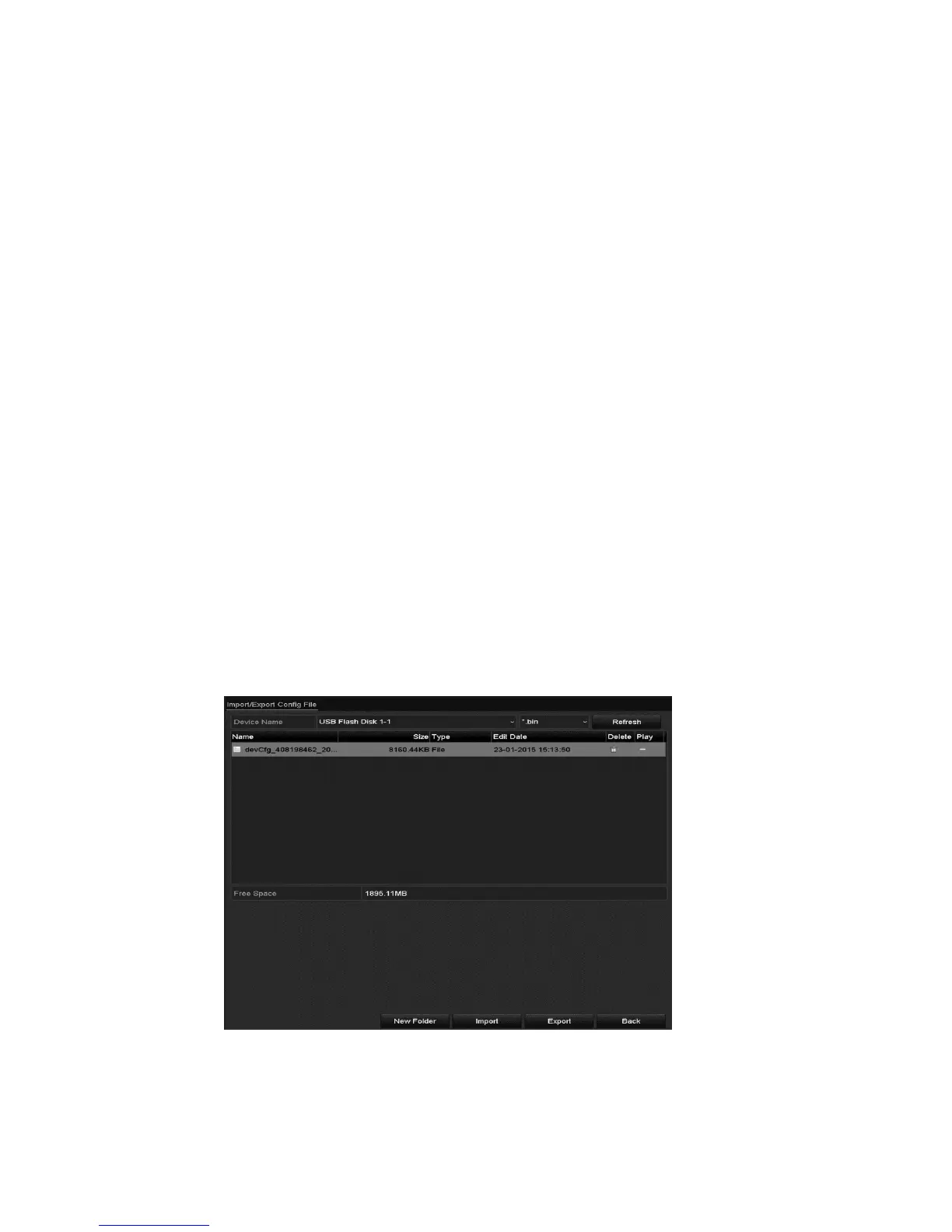
To import and export configuration files:
1. Browse to the Import/Export Configuration File interface.
Menu > Maintenance > Import/Export
2. Click Export to export the configuration files to the selected local backup
device.



 To Next Page