PTZ Settings
ClareVision Plus Network Video Recorder User Manual 49
4. Configure the key point’s parameters, such as the desired preset number,
duration (dwell) time, and speed of the patrol.
The key point No. determines the order the PTZ follows while cycling through
the patrol.
The Preset number corresponds with a configured preset.
The Duration refers to the time span the PTZ stays at the corresponding key
point.
The Speed defines the speed at which the PTZ moves from one key point to
the next.
5. Click Add to add another key point to the patrol.
– or –
Click OK to save the key point patrol.
Calling patrols
Calling a patrol makes the PTZ camera move according to the predefined patrol
path.
To set calling patrol in the PTZ setting interface:
1. Click the PTZ Control icon in the quick setting bar.
– or –
Select the PTZ option in the right-click menu.
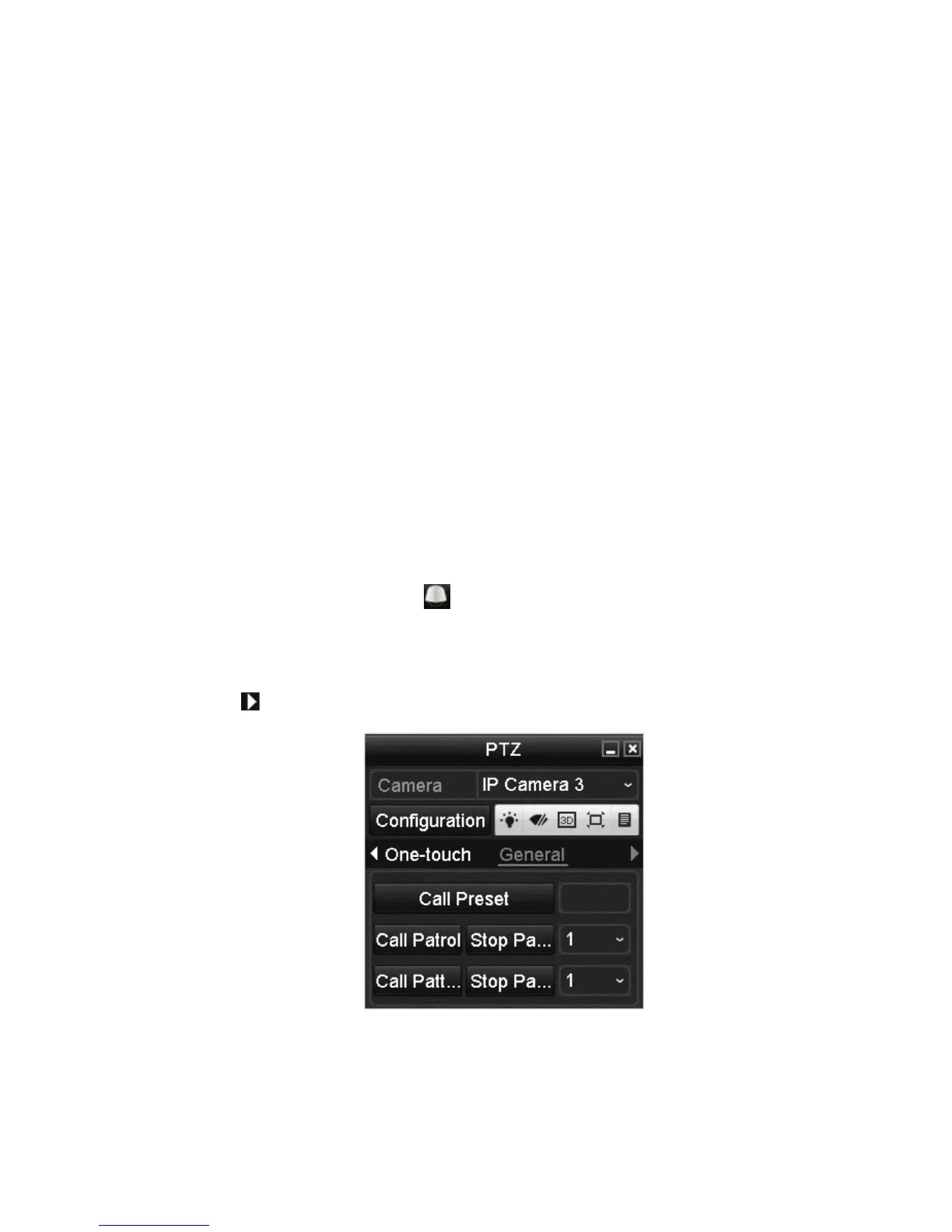
2. Click to view the general PTZ control settings.
3. Select a patrol in the drop-down list, and then click Call Patrol.
4. When you want to stop the patrol, click Stop Patrol.



 To Next Page