Playback
ClareVision Plus Network Video Recorder User Manual 79
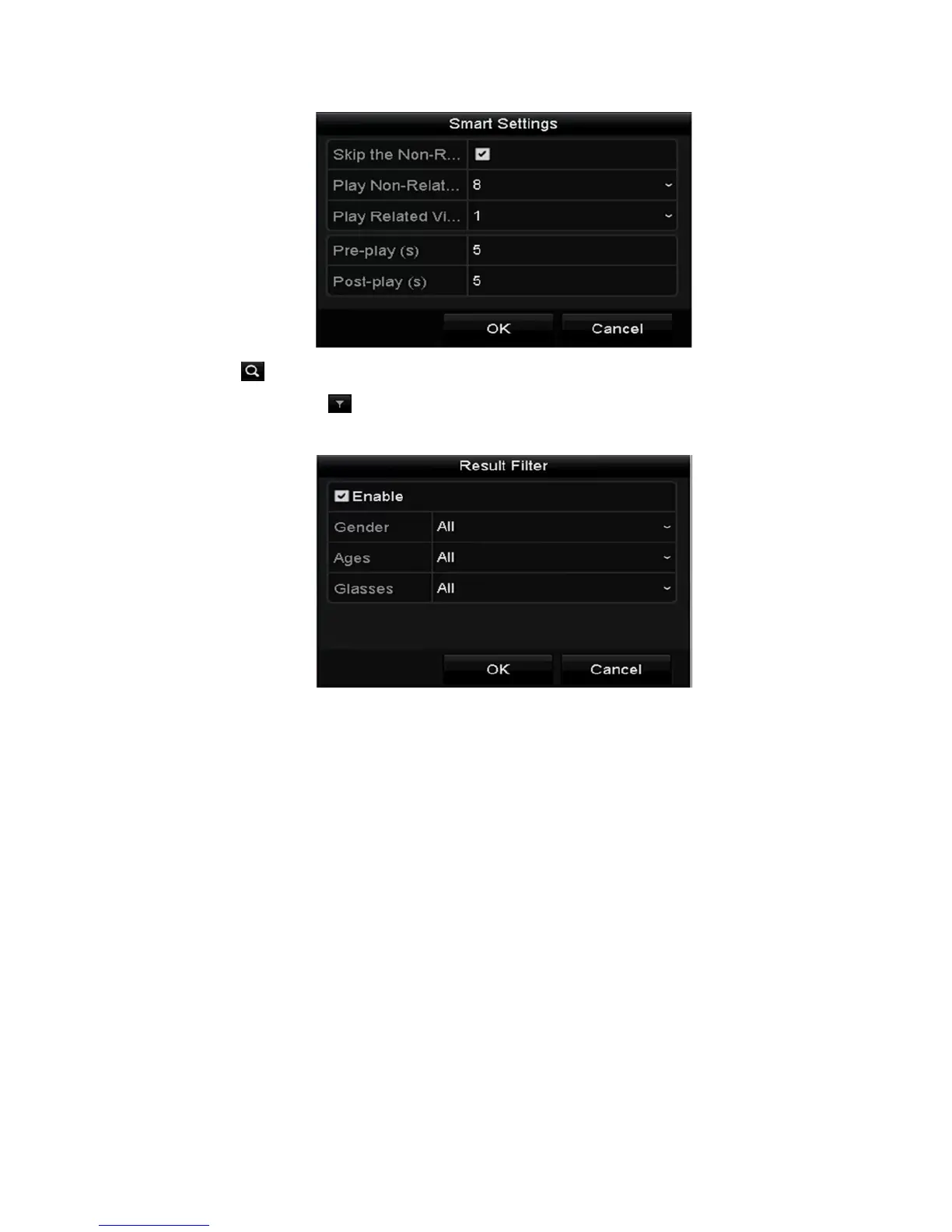
7. Click to search for and play matching video files.
8. (Optional) Click to filter the video files by setting target characters,
including gender, age, and whether they have glasses.
Playing back by system logs
Play back record files associated with channels after searching the system logs.
To play back by system logs:
1. Browse to the Log Information interface
Menu > Maintenance > Log Information
2. Click the Log Search tab to enter Playback by System Logs.



 To Next Page