PTZ Settings
ClareVision Plus Network Video Recorder User Manual 51
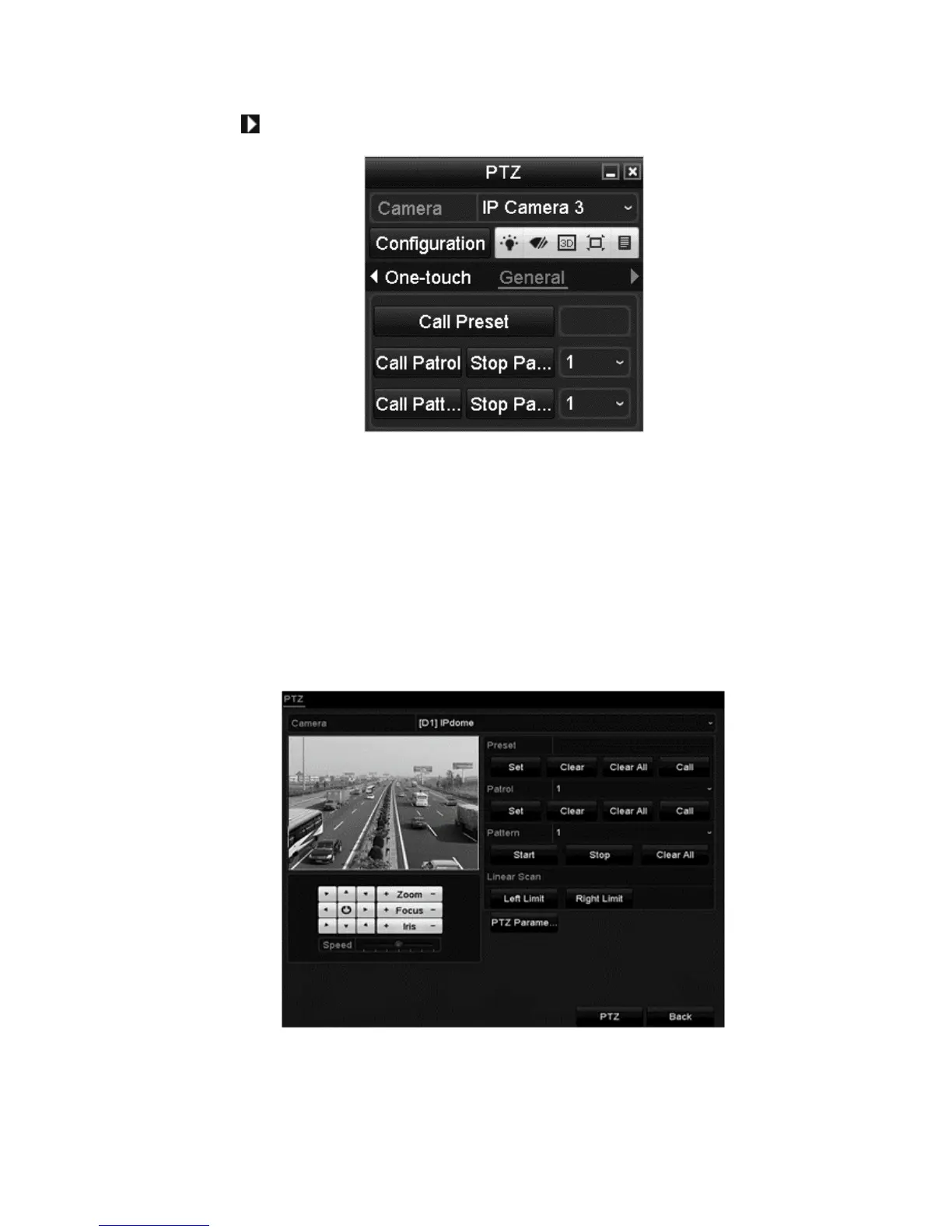
2. Click to view the general PTZ control settings.
3. Click Call Pattern.
4. When finished, click Stop Pattern.
Customizing the linear scan limit
The linear scan limit is enabled to trigger a horizontal scan in a predefined range.
To customize the linear scan limit:
1. Browse to the PTZ Control interface.
Menu > Camera > PTZ



 To Next Page