RAID
150 ClareVision Plus Network Video Recorder User Manual
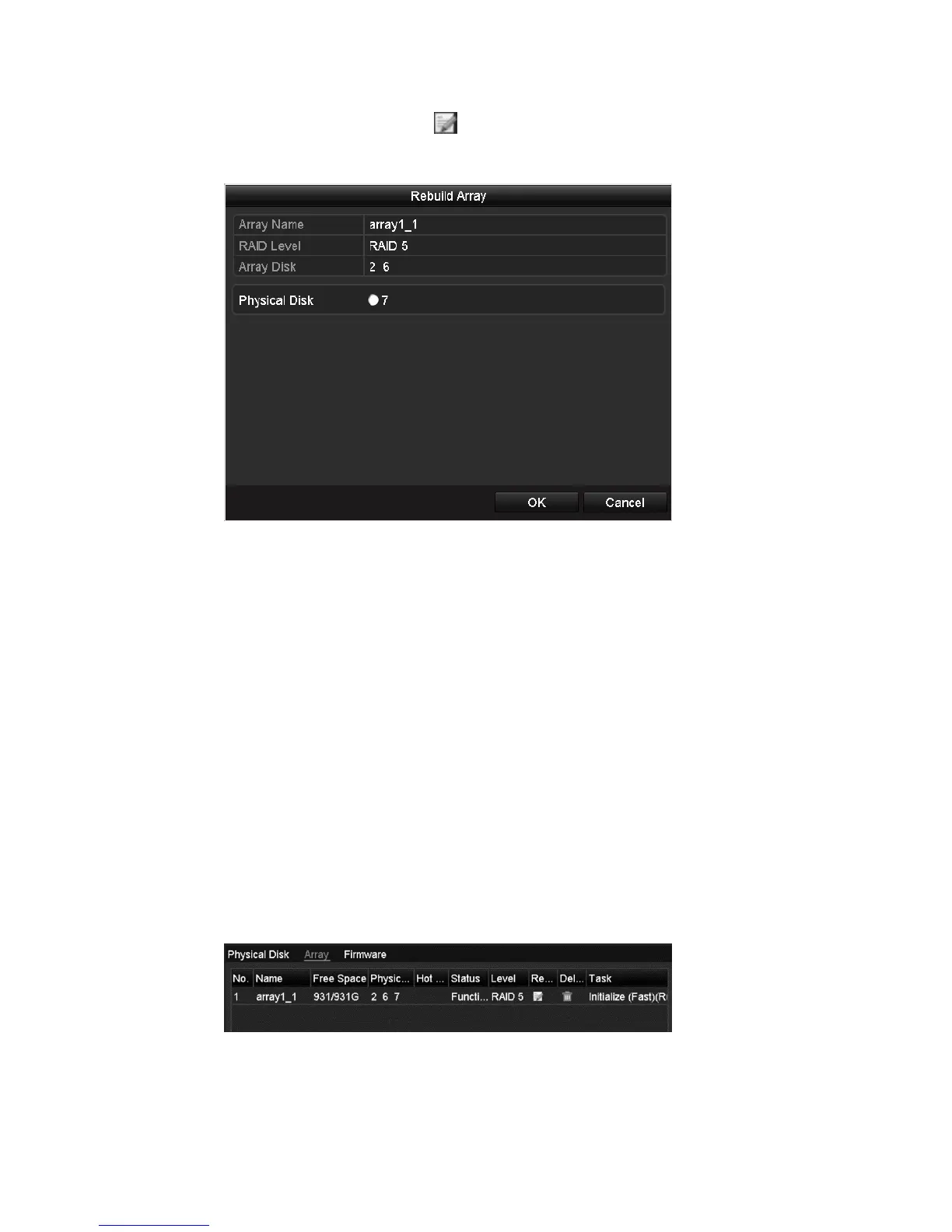
2. Click the Array tab, and then click to configure the array rebuild.
Note: At least one available physical disk should exist for rebuilding the array.
3. Select the available physical disk, and then click OK to confirm rebuilding the
array.
4. The “Do not unplug the physical disk when it is under rebuilding” dialog
displays. Click OK to start the rebuild.
You can enter the Array Settings interface and the Virtual Disk interface to view
the rebuilding status.
After rebuilding successfully, the array and virtual disk restore to Functional.
Deleting array
Deleting array deletes all data saved in the disk.
To delete the array:
1. Browse to the Array Settings interface.
Menu > HDD > RAID > Array



 To Next Page