Getting Started
32 ClareVision Plus Network Video Recorder User Manual
Path: Set the resource path for the custom protocol. For example,
ch1/main/av_stream
Note: The network camera must support the protocol and transfer protocol
types.
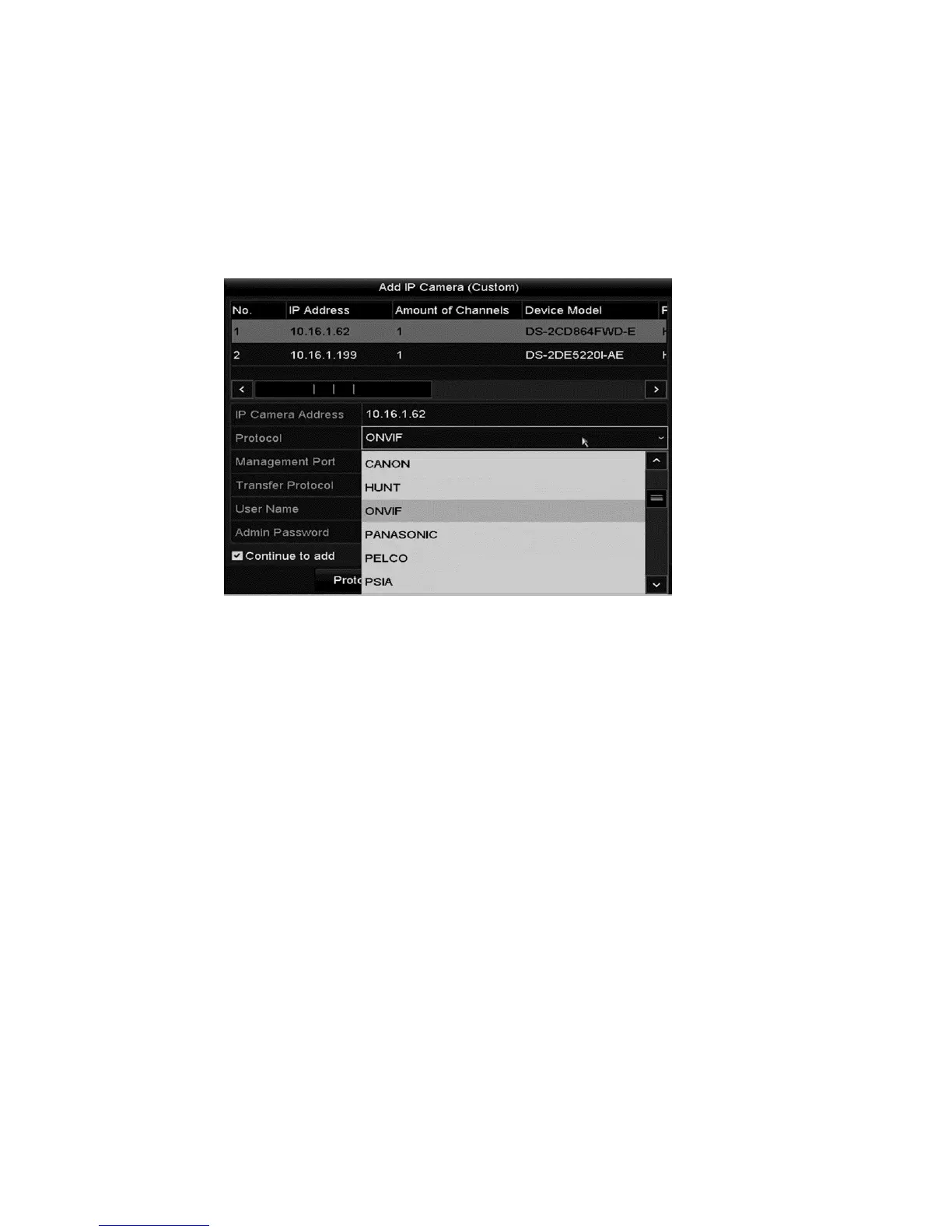
After adding the customized protocols, the protocol name displays in the
drop-down list.
3. Select the protocol you added to validate connection to the network camera.
Editing IP cameras connected to the PoE interfaces
Note: Not all ClareVision Plus NVRs have PoE, make sure that your NVR
supports PoE.
The PoE interface allows the NVR system to pass electrical power and data
through Ethernet cables. Up to eight PoE interfaces can connect to the network
cameras. To use an online network camera, you must first disable a PoE
interface. One PoE interface is disabled for each online network camera. The
PoE interface supports the Plug-and-Play function.



 To Next Page