Getting Started
ClareVision Plus Network Video Recorder User Manual 33
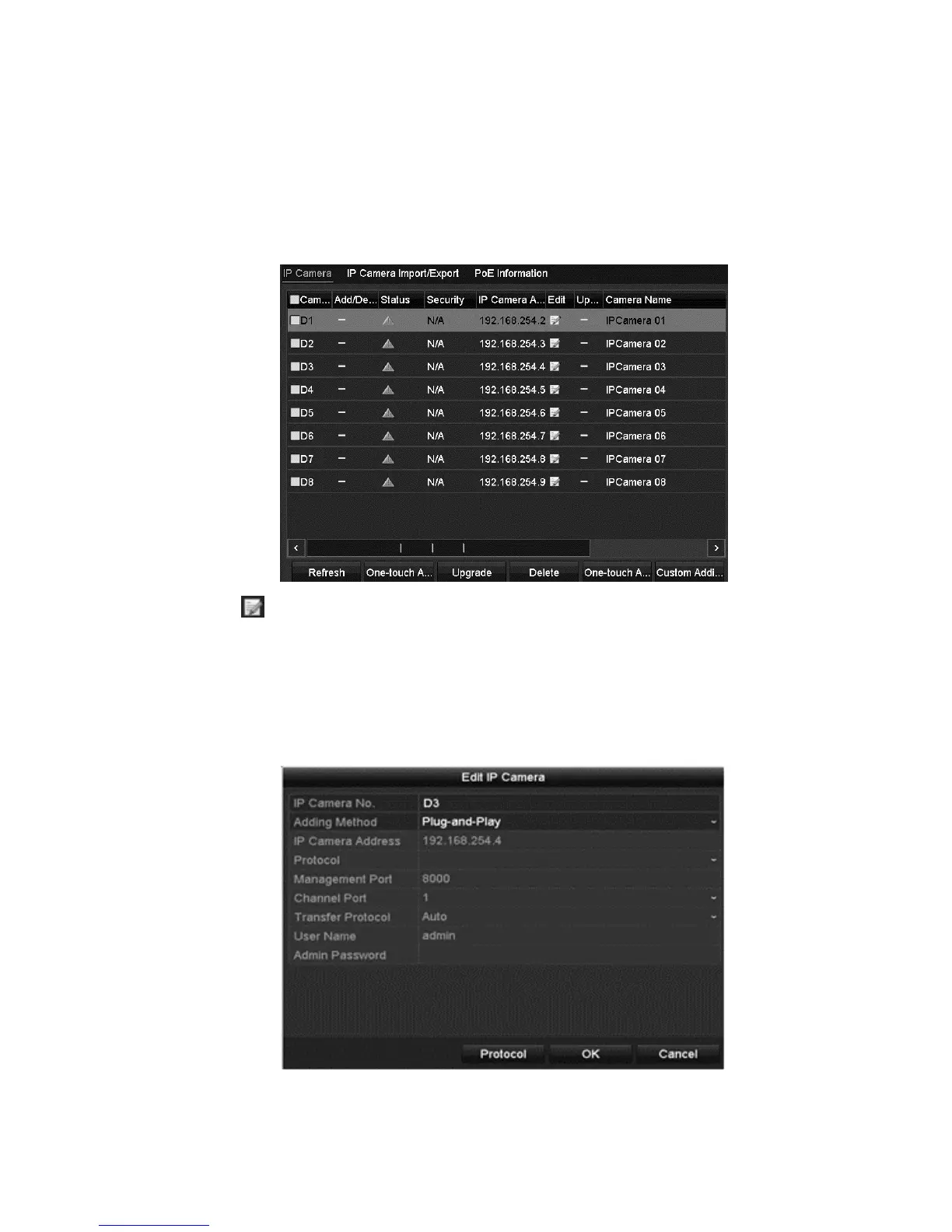
To add cameras for NVRs supporting PoE function:
1. Browse to the Camera Management interface.
Menu > Camera > Camera
Note: You cannot delete the cameras connecting to the PoE interface in this
menu.
2. Click , and then select the Adding Method.
3. Choose one of the following adding methods.
Plug-and-Play: Connect the camera to the PoE interface. You cannot edit the
camera parameters when choosing this option. The camera’s IP address can
only be edited in the Network Configuration interface. See “Configuring
general settings” on page 124 for detailed information.
- or -



 To Next Page