Getting Started
ClareVision Plus Network Video Recorder User Manual 19
Using the wizard for basic configuration
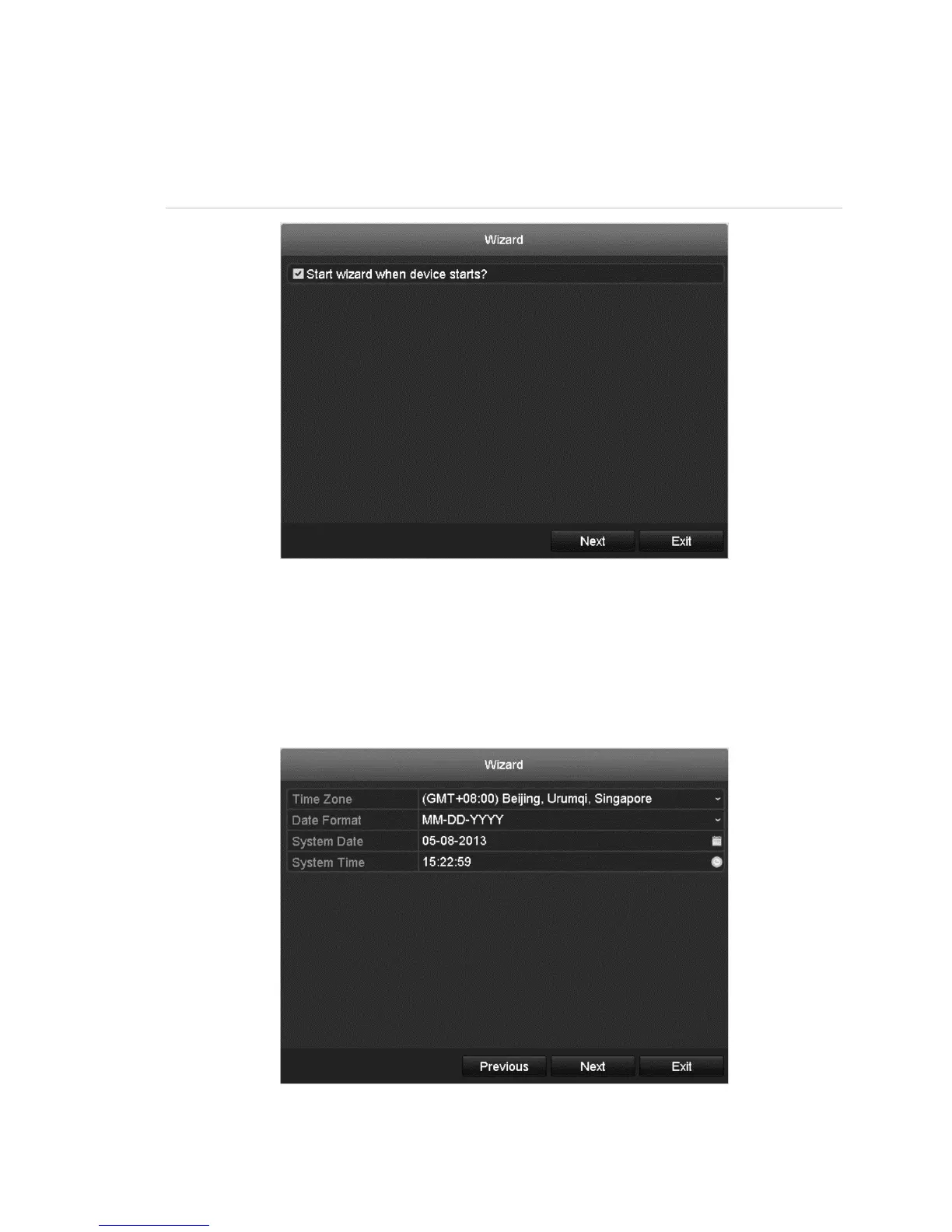
By default, the Wizard starts once the NVR loads, as shown in Figure 15.
Figure 15: Wizard interface
To use the Wizard:
1. The Wizard walks you through important settings of the NVR.
If you do not want to use the Wizard, click the Cancel button. You can choose
to use the Wizard the next time you use the NVR by selecting the “Start
wizard when the device starts?” check box.
2. Click Next to enter date and time window.



 To Next Page