PTZ Settings
50 ClareVision Plus Network Video Recorder User Manual
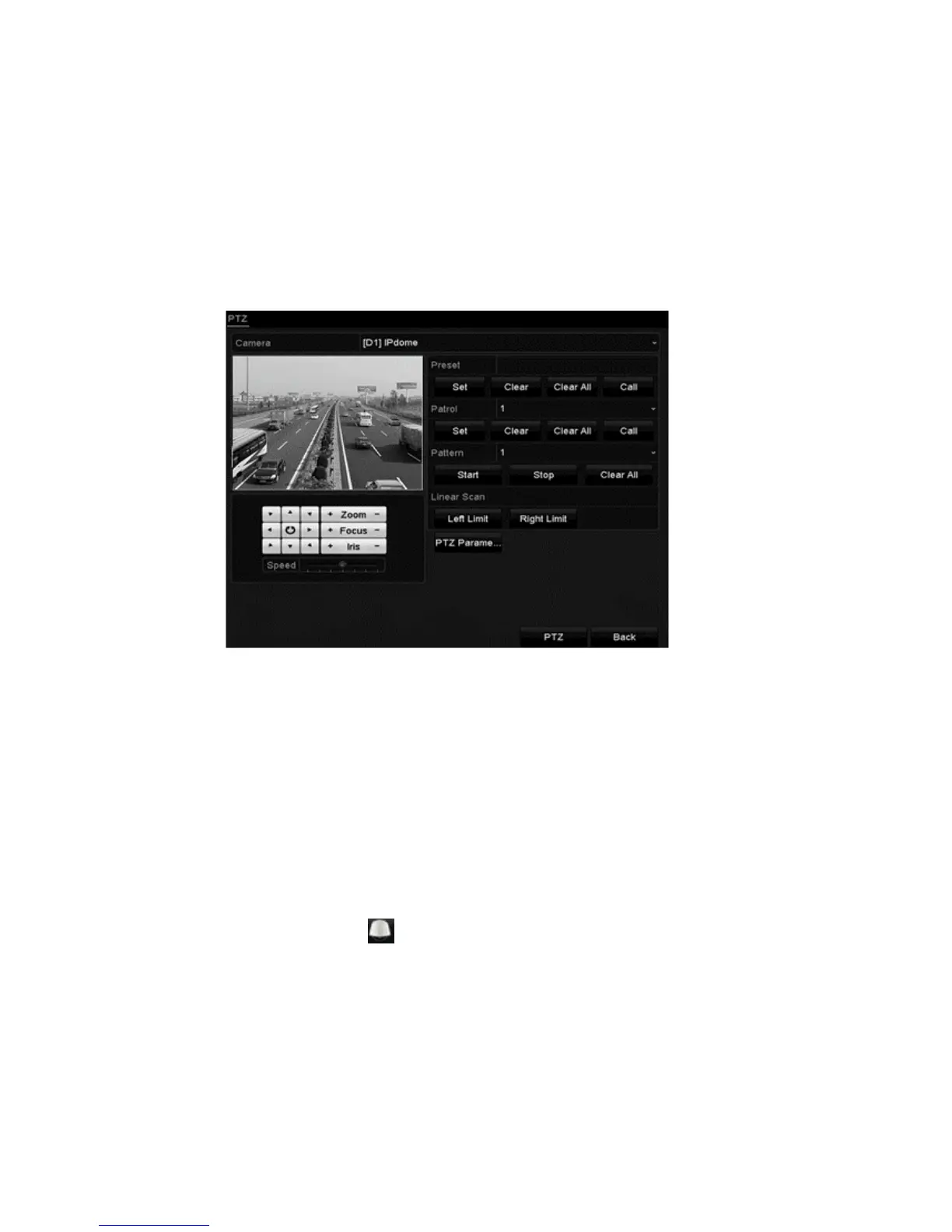
Customizing patterns
Recording the movement of the PTZ can set patterns. You can call the pattern to
make the PTZ movement according to the predefined path.
To set customized patterns:
1. Browse to the PTZ Control interface.
Menu > Camera > PTZ
2. Select the pattern number in the Pattern drop-down.
3. Click Start, and then click the corresponding control panel buttons to move
the PTZ camera.
4. When finished, click Stop.
The movement of the PTZ is recorded as the pattern.
Calling patterns
Follow the procedure to move the PTZ camera according to the predefined
patterns.
To set a calling pattern in the PTZ setting interface:
1. Click the PTZ Control icon in the quick setting bar.
– or –
Select the PTZ option in the right-click menu.



 To Next Page