Getting Started
18 ClareVision Plus Network Video Recorder User Manual
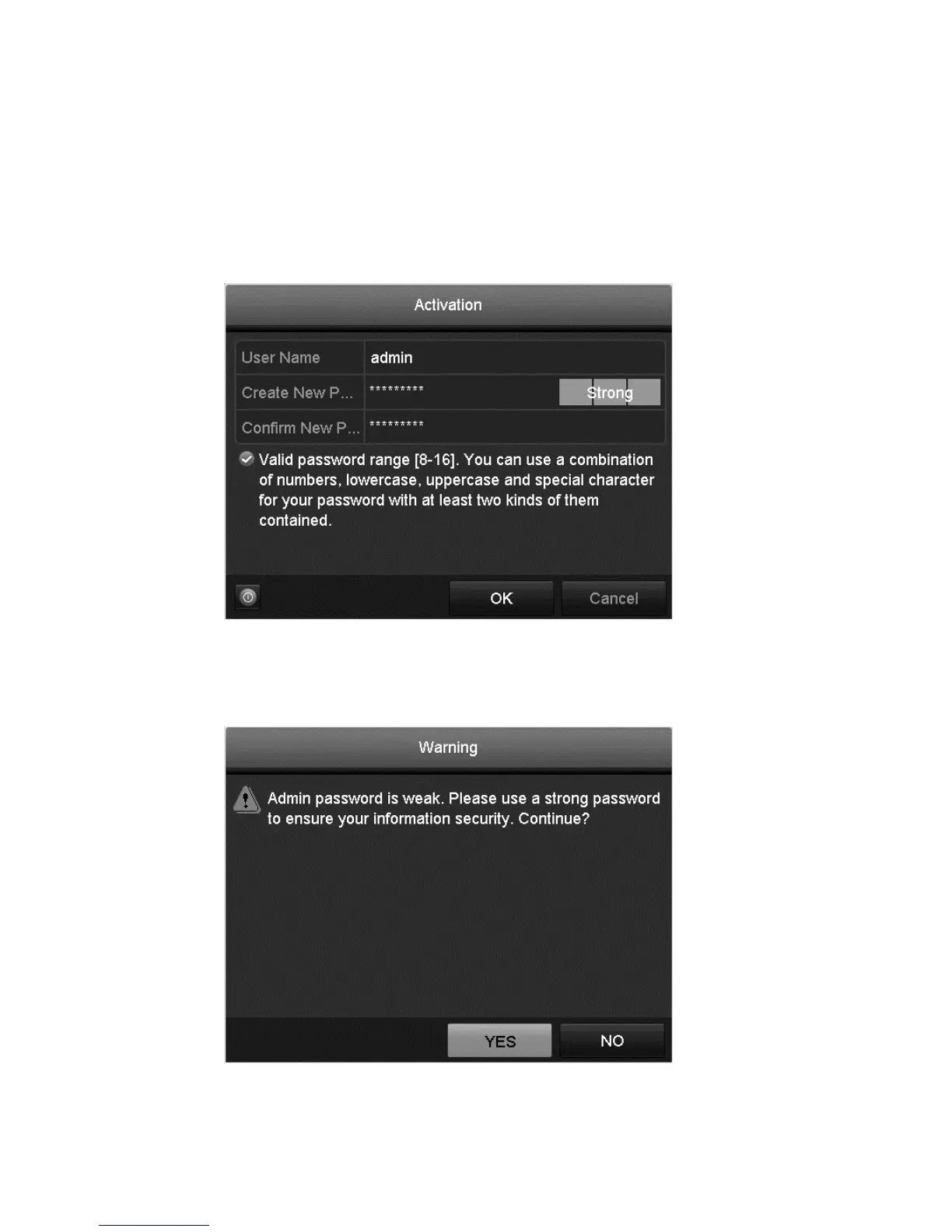
Activating the NVR
The first time you access the NVR, you must set activate it by setting an admin
password. The NVR cannot be used until it has been activated.
To activate the NVR:
1. The Activation dialog displays, enter and confirm a password.
2. Click OK.
Note: When updating the NVR to a newer version, the following dialog
displays. Click YES, and then follow the wizard to set a password.



 To Next Page