HDD Management
ClareVision Plus Network Video Recorder User Manual 153
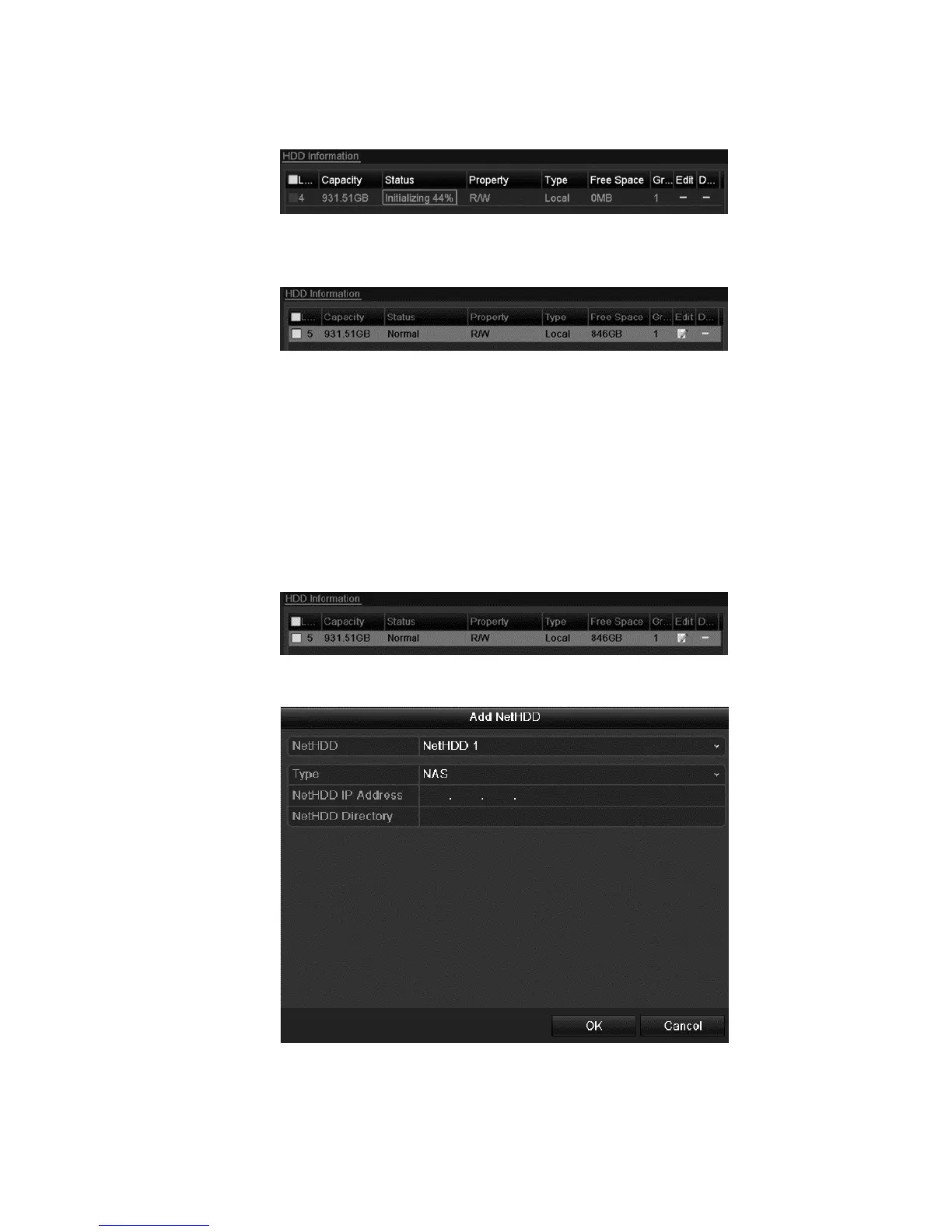
4. Click OK to start initialization.
5. After the HDD has initialized, the status is changed from Uninitialized to
Normal.
Managing Network HDD
You can add the allocated NAS or disk of the IP SAN to NVR, and use it as a
network HDD.
To manage the HDD network:
1. Browse to the HDD Information interface.
Menu > HDD > General
2. Click Add to enter the Add NetHDD interface.
3. Add the NetHDD.
4. Set the type to NAS or IP SAN.



 To Next Page