Network Settings
ClareVision Plus Network Video Recorder User Manual 133
6. Select the HTTPS checkbox.
7. Click Save.
Configuring email
You can configure the system to send an email notification to all designated
users when an alarm event is detected, an alarm or motion event is detected, or
the administrator password is changed.
Before configuring the email settings, you must connect the NVR to a local area
network (LAN) that maintains an SMTP mail server. You must also connect the
network to either an intranet or the Internet, depending on the location of the
email accounts where you want to send notifications.
To configure email:
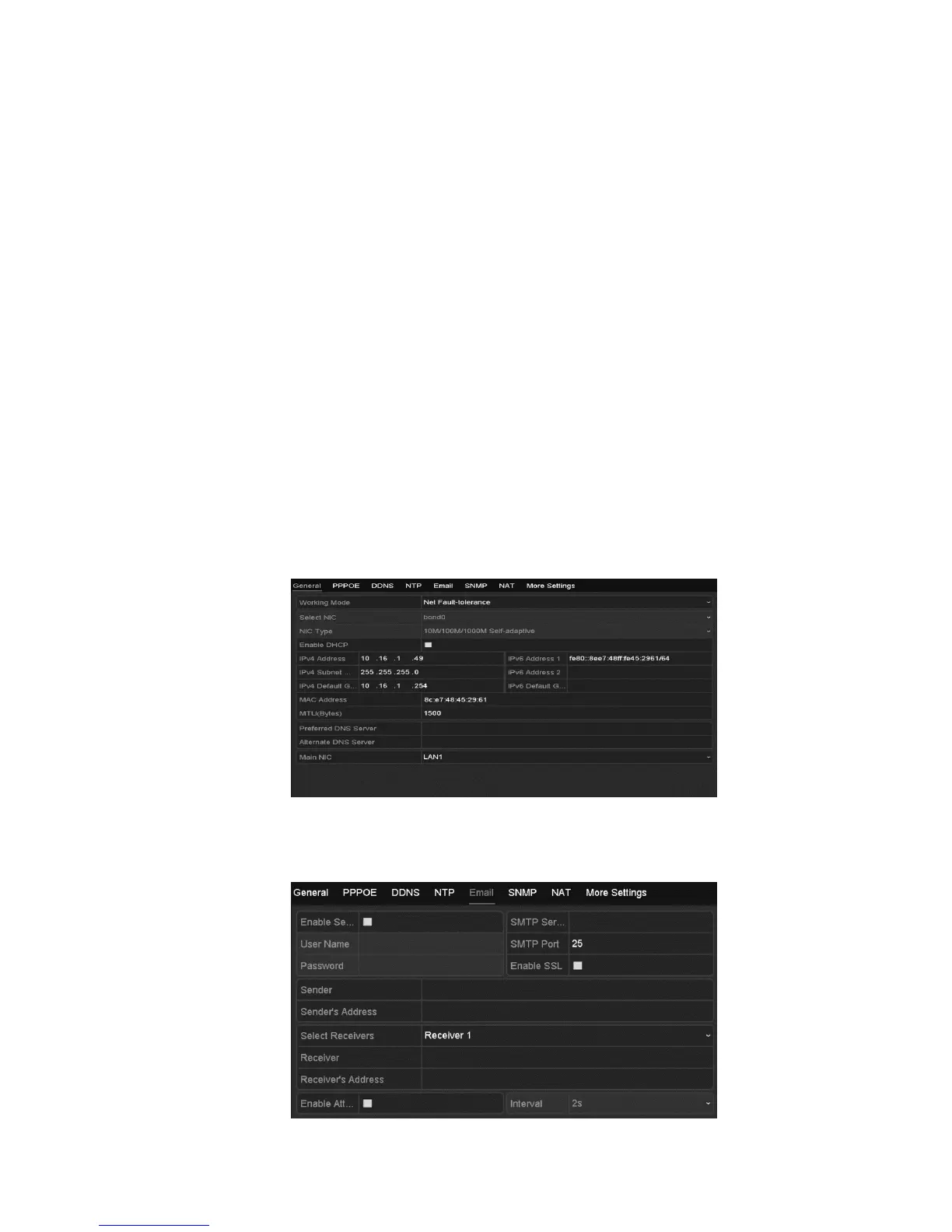
1. Browse to the Network Settings interface.
Menu > Configuration > Network
2. Set the IPv4 address, IPv4 subnet mask, IPv4 gateway, and the preferred
DNS server in the Network Settings menu.
3. Click Apply to save the settings.
4. Click the Email tab.



 To Next Page