Record and Capture Settings
70 ClareVision Plus Network Video Recorder User Manual
File protection
You can lock the recorded files or set the HDD property to Read-only to protect
files from being overwritten.
To lock the files:
1. Browse to the Export setting interface.
Menu > Export
2. Select the desired channels, and then double-click on the calendar to select
the date.
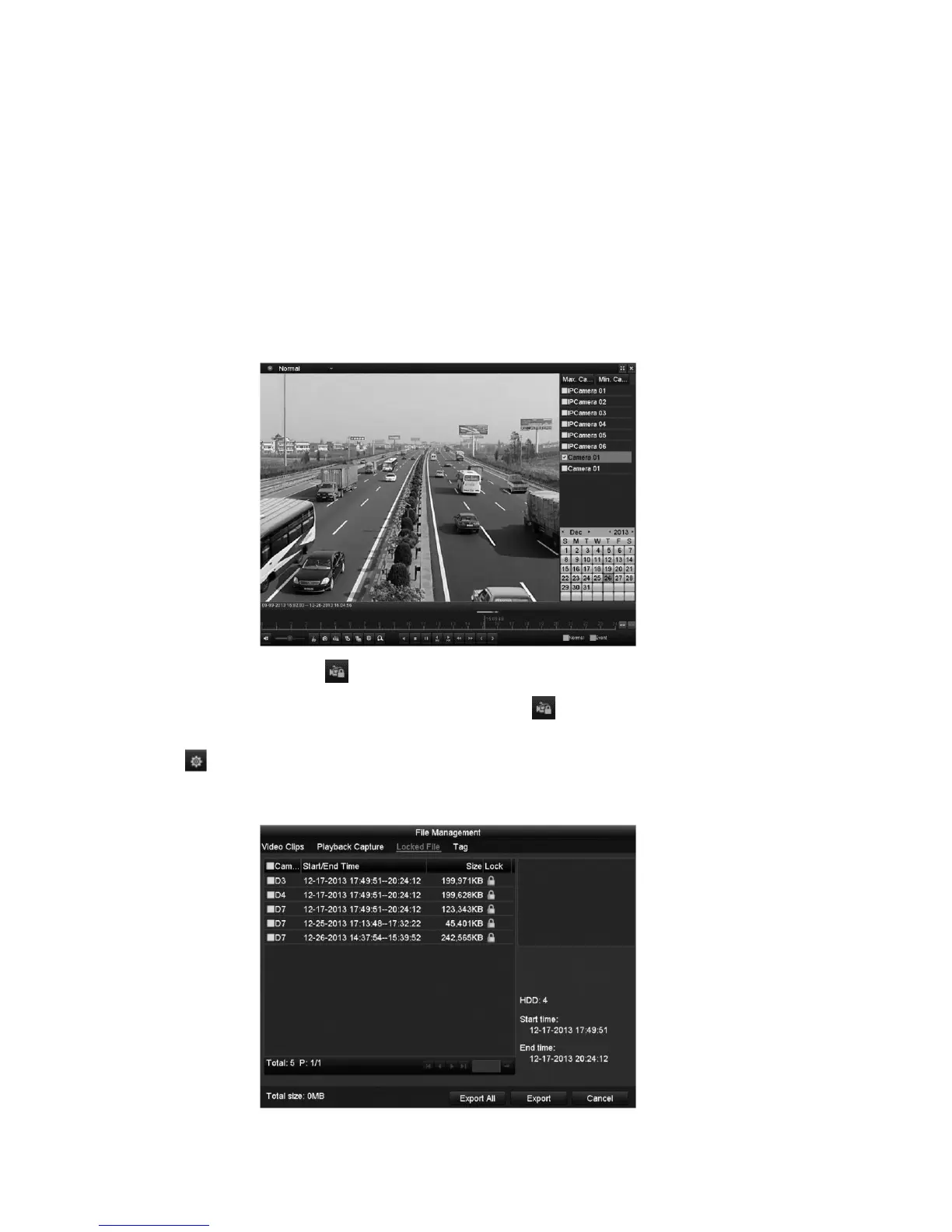
3. During playback, click to lock the current file.
Note: In multi-channel playback mode, clicking locks all recorded files
related to the selected playback channels.
4. Click to access the file management interface.
5. Click the Locked File tab to check and export the locked files.



 To Next Page