Record and Capture Settings
ClareVision Plus Network Video Recorder User Manual 61
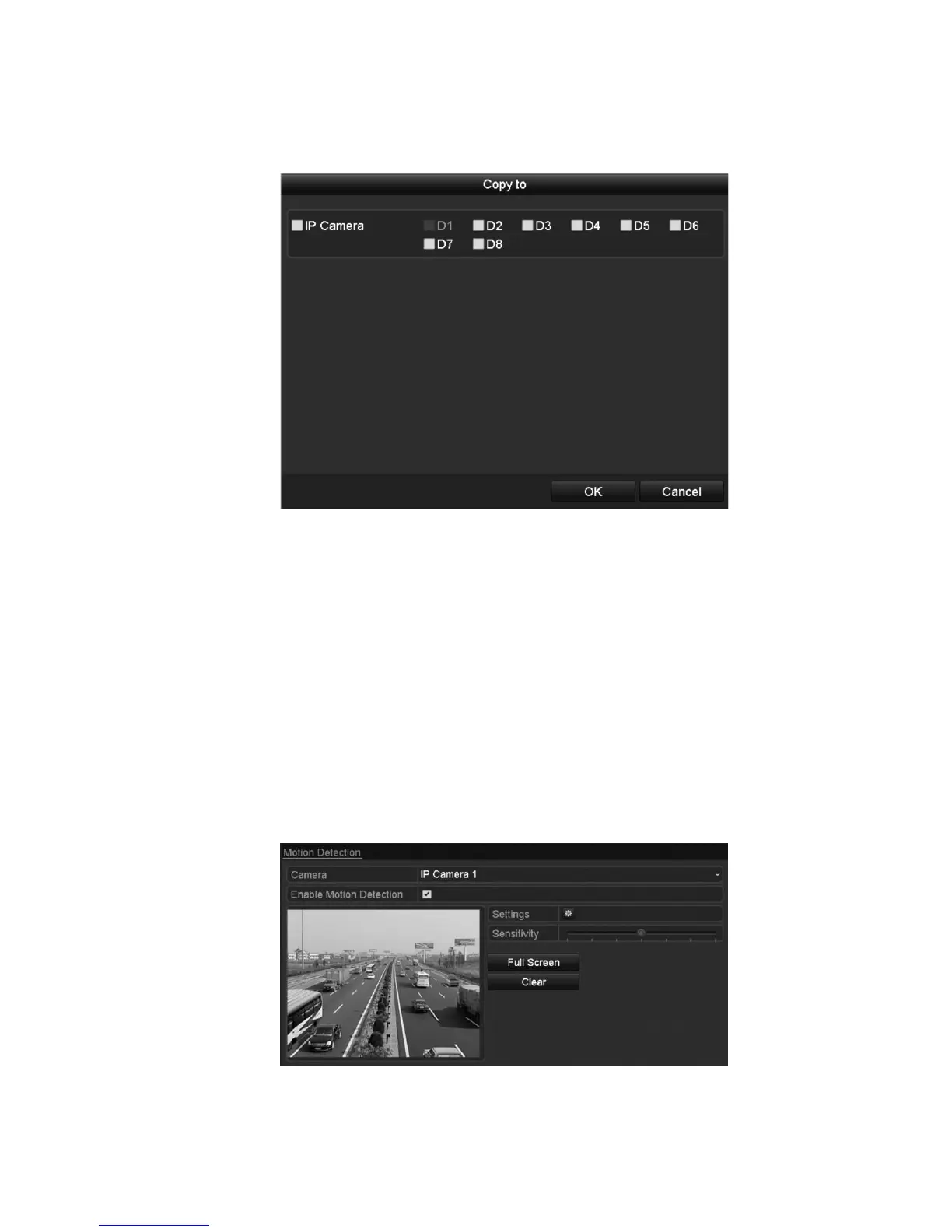
3. To use the same settings in other channels, click Copy, and then choose the
channel.
Configuring motion detection record and capture
Follow the steps to set the motion detection parameters. In the Live View mode,
once a motion detection event takes place, the NVR can analyze it and respond.
Enabling the motion detection function can trigger certain channels to start
recording, trigger full screen monitoring, audio warning, notify the surveillance
center, and so on. In this chapter, you can follow the steps to schedule a
recording triggered by detected motion.
To configure motion detection:
1. Browse to the Motion Detection interface.
Menu > Camera > Motion



 To Next Page