Record and Capture Settings
60 ClareVision Plus Network Video Recorder User Manual
5. Repeat the steps above to schedule recordings or captures for other days in
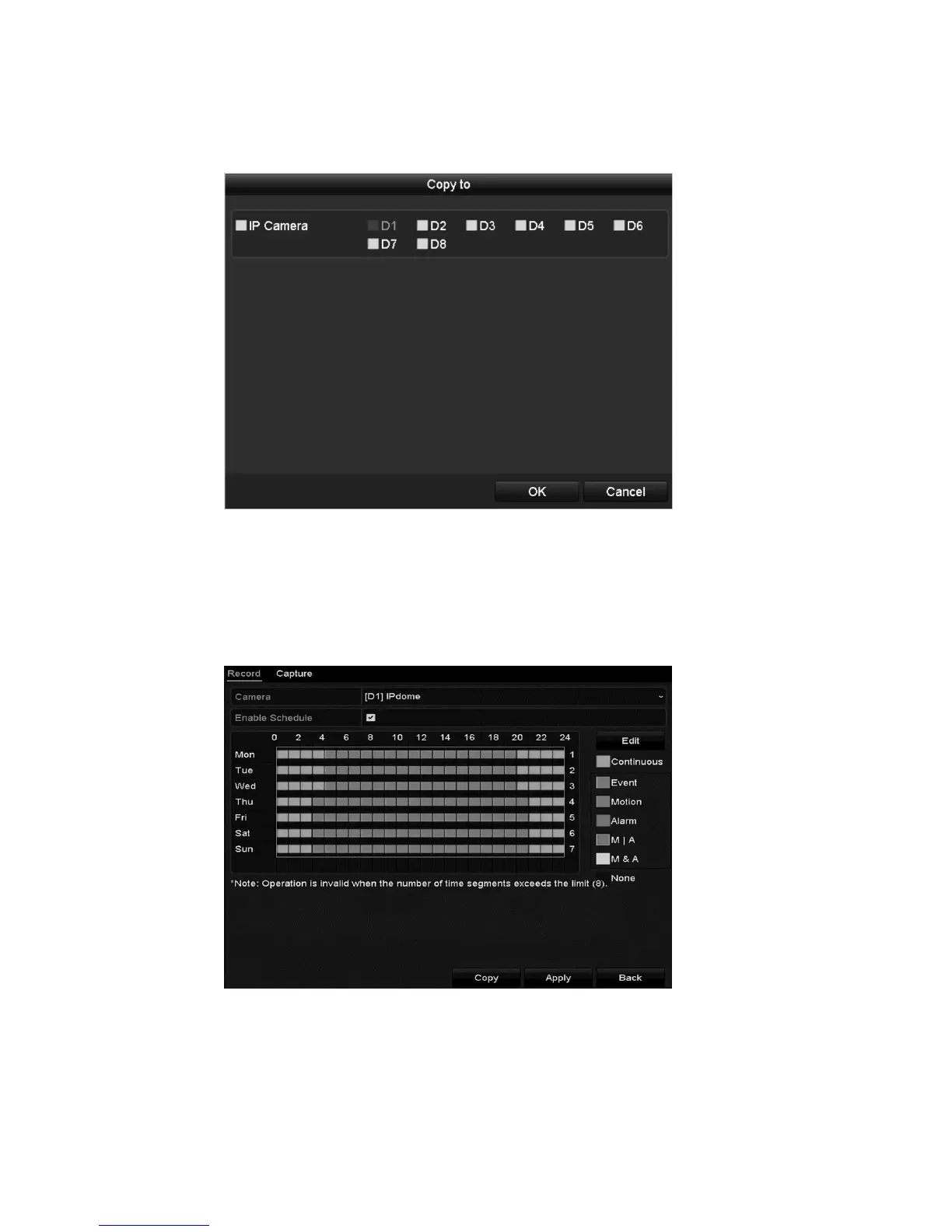
the week. To apply the schedule to other days, click Copy.
6. Click OK to save the setting and return to the previous menu.
7. Click Apply to save the settings in the Record menu.
To draw the schedule:
1. Click the color icons. Set the schedule type as continuous or event.
2. Click Apply to save the settings.



 To Next Page