VCA Search
120 ClareVision Plus Network Video Recorder User Manual
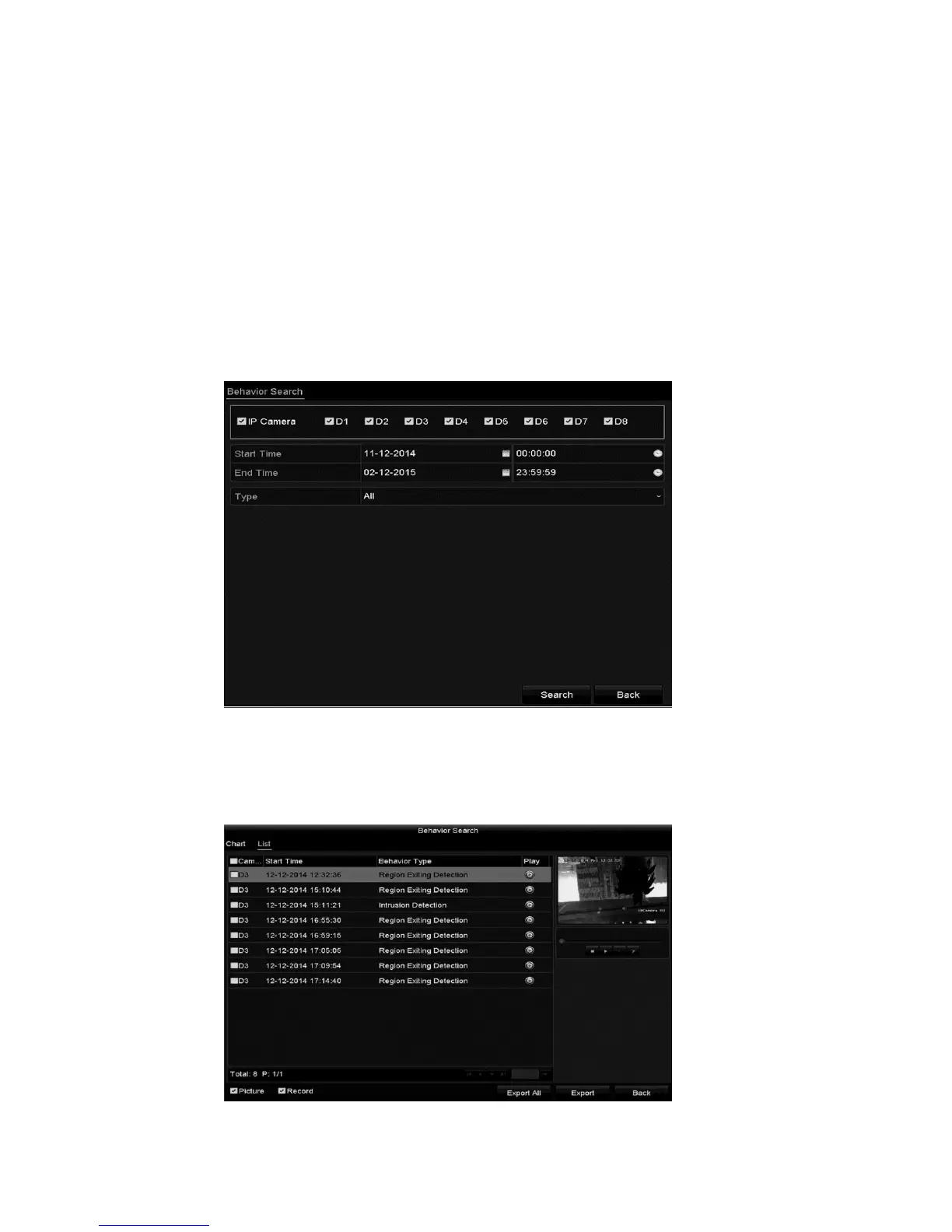
Behavior search
Behavior analysis detects a series of suspicious behavior based on VCA
detection.
To configure behavior search:
1. Browse to the Behavior Search interface.
Menu > VCA Search > Behavior Search
2. Select the desired cameras.
3. Specify that start and end time for the search.
4. Select the VCA detection type from the drop-down.
5. Click Search.
The results for face detection are displayed in list or chart form.



 To Next Page