VCA Search
ClareVision Plus Network Video Recorder User Manual 119
4. Click Search.
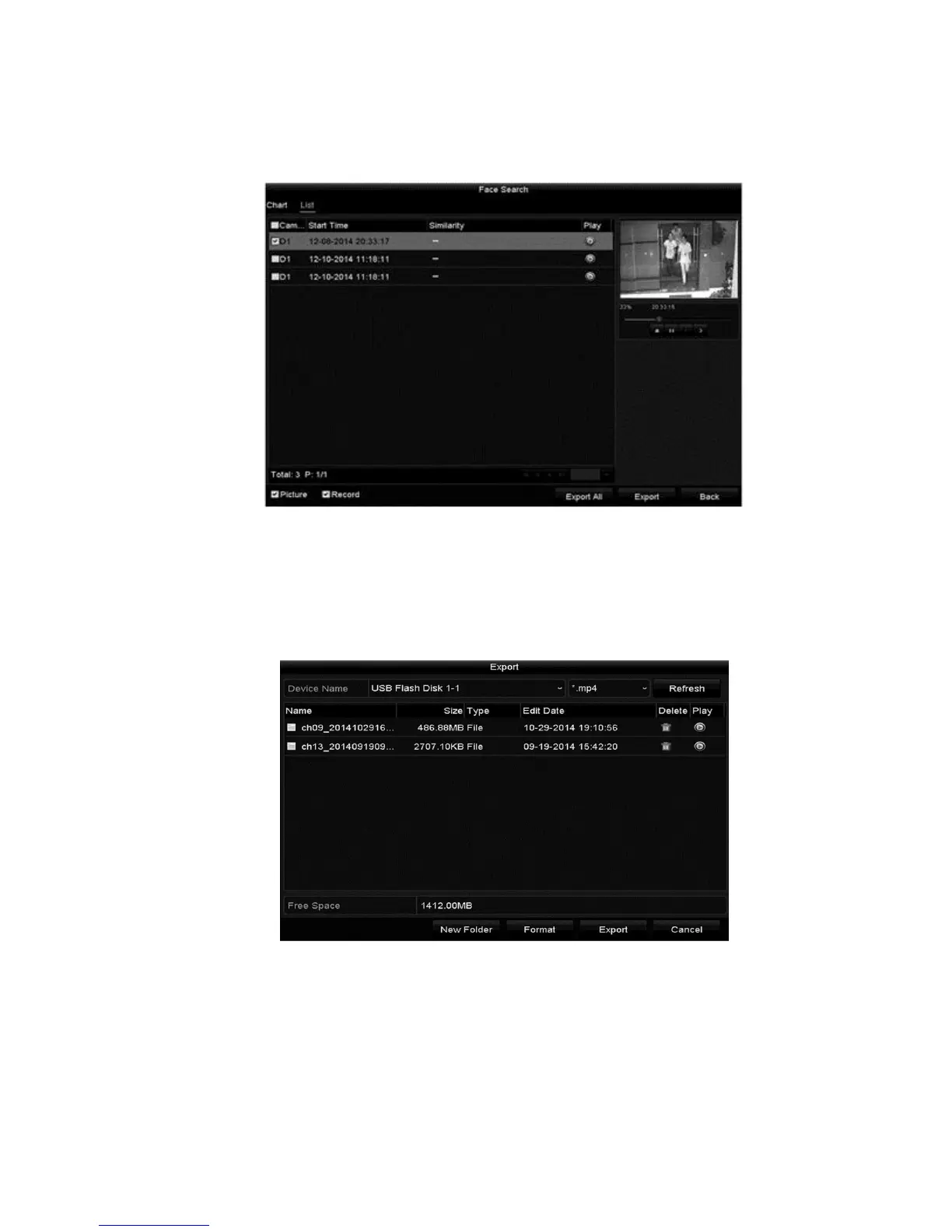
The results for face detection are displayed in list or chart form.
5. Export the captured face pictures to local storage devices.
a. Connect the storage device.
b. Click Export All to enter the Export interface.
c. Click Export to export all face pictures.



 To Next Page