Playback
84 ClareVision Plus Network Video Recorder User Manual
2. When you choose playback of the record file, click until the speed changes
to a single frame. One click on the Playback screen represents plays one
frame.
3. When you choose reverse playback of the record file, click until the speed
changes to a single frame. One click on the Playback screen represents
reverse playback of one frame. You can also use the Pause button in the
toolbar.
To play back frame by frame using the front panel:
1. Hold and rotate the outer ring on the Jog Shuttle counter clockwise
(for 16 and 32-Channel only), or click to set the speed to Single frame.
One click on Pause button, single click on the playback screen, or Enter
button on the front panel represents playback or reverse playback of one
frame.
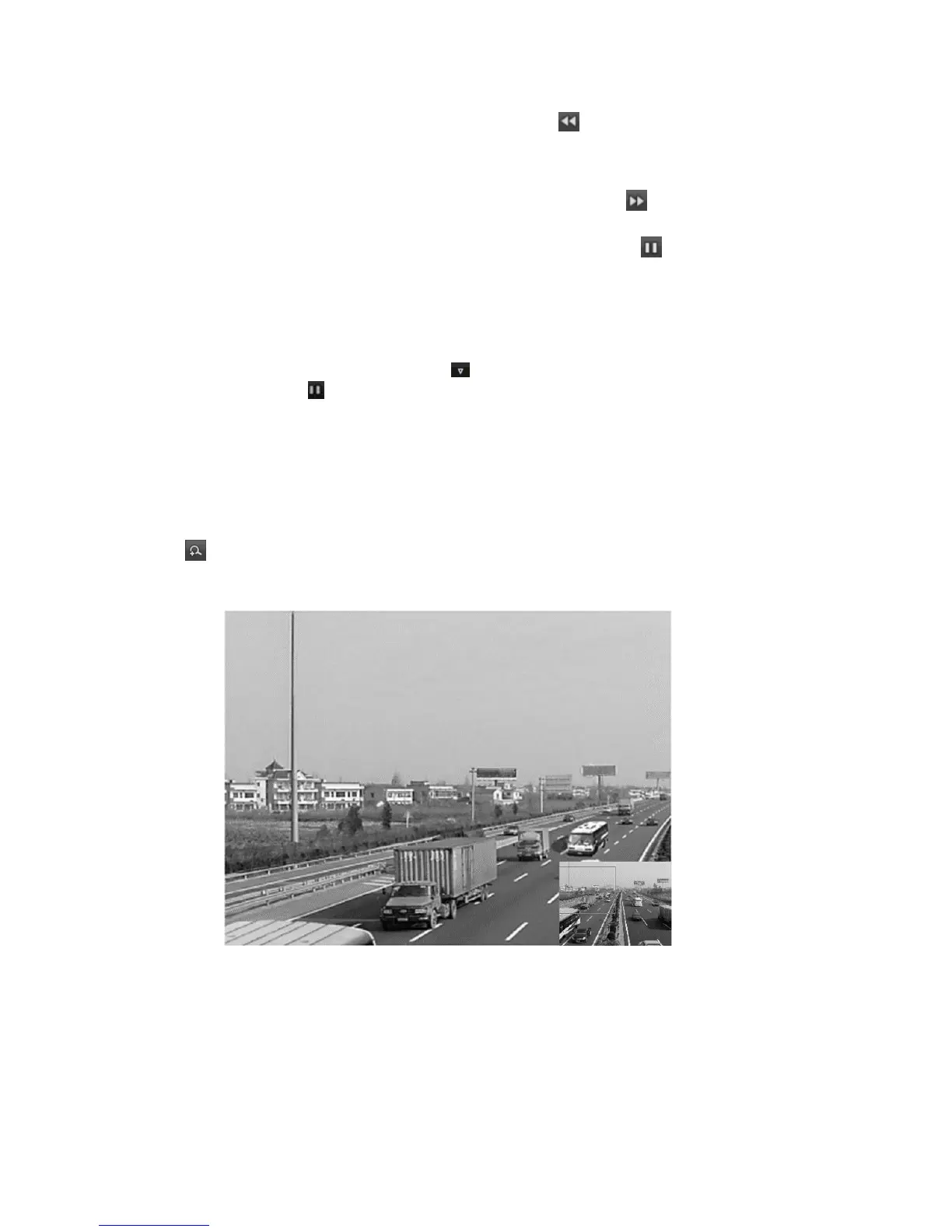
Digital zoom
To use digital zoom:
1. Click to enter the Digital Zoom interface.
2. Using the mouse, draw a rectangle. Enlarge the image up to 16 times.
3. Right-click the image to exit the Digital Zoom interface.
Managing files
Manage video clips, captures images, locked files, and tags in playback mode.



 To Next Page