97 Network Video Recorder User Manual
Alarm Settings
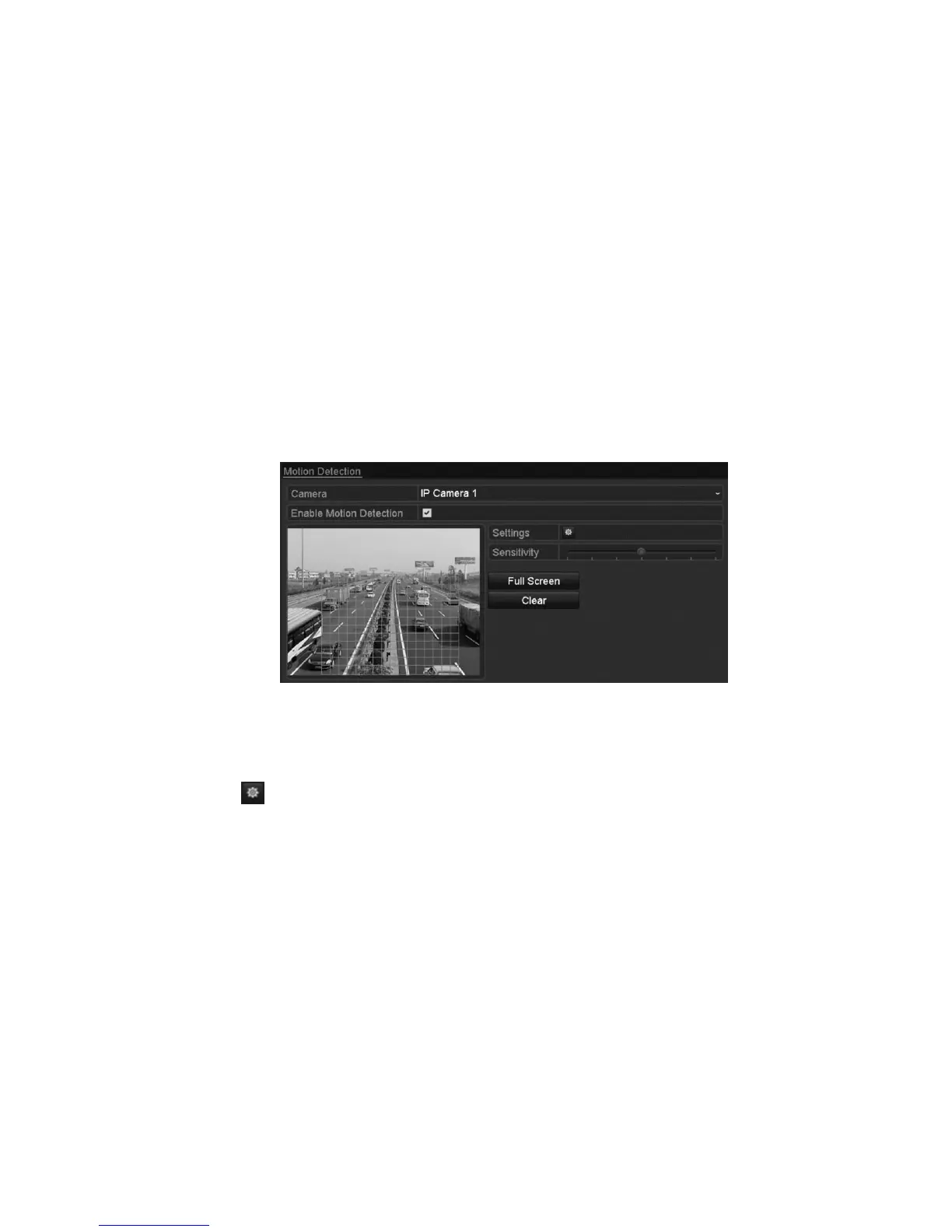
Setting motion detection alarms
To set a motion detection alarm:
1. Enter the Motion Detection interface for camera management, and then select
a camera for motion detection.
Menu > Camera > Motion
2. Select the Enable Motion Detection checkbox.
3. Using the mouse, draw a detection area, and then drag the sensitivity bar to
adjust the sensitivity.
4. Click , and then set the alarm response actions.
5. Click the Trigger Channel tab, and then select the desired channels to record
and capture, or become full-screen monitoring when the motion alarm is
triggered.



 To Next Page