Alarm Settings
98 ClareVision Plus Network Video Recorder User Manual
6. Click Apply to save the settings.
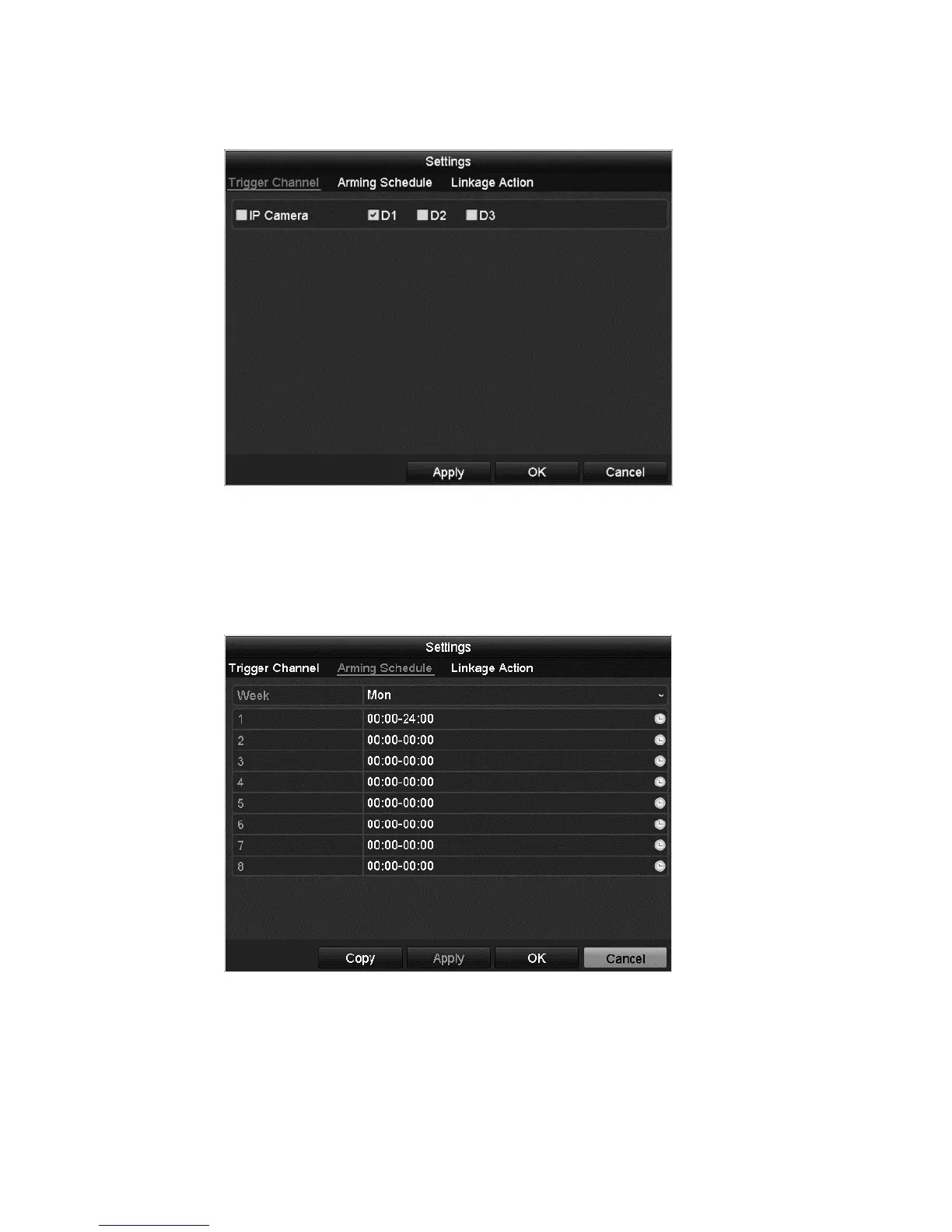
7. Click the Arming Schedule tab.
8. Choose one day of the week and up to eight time periods on that day.
9. Click Apply to save the settings
Note: Do not repeat or overlap times.
10. Click the Handling tab to set up the alarm response actions for the motion
alarm.
11. If you want to set motion detection for another channel, repeat the steps
above, or simply click Copy in the Motion Detection interface to copy the
settings.



 To Next Page