Backup
ClareVision Plus Network Video Recorder User Manual 91
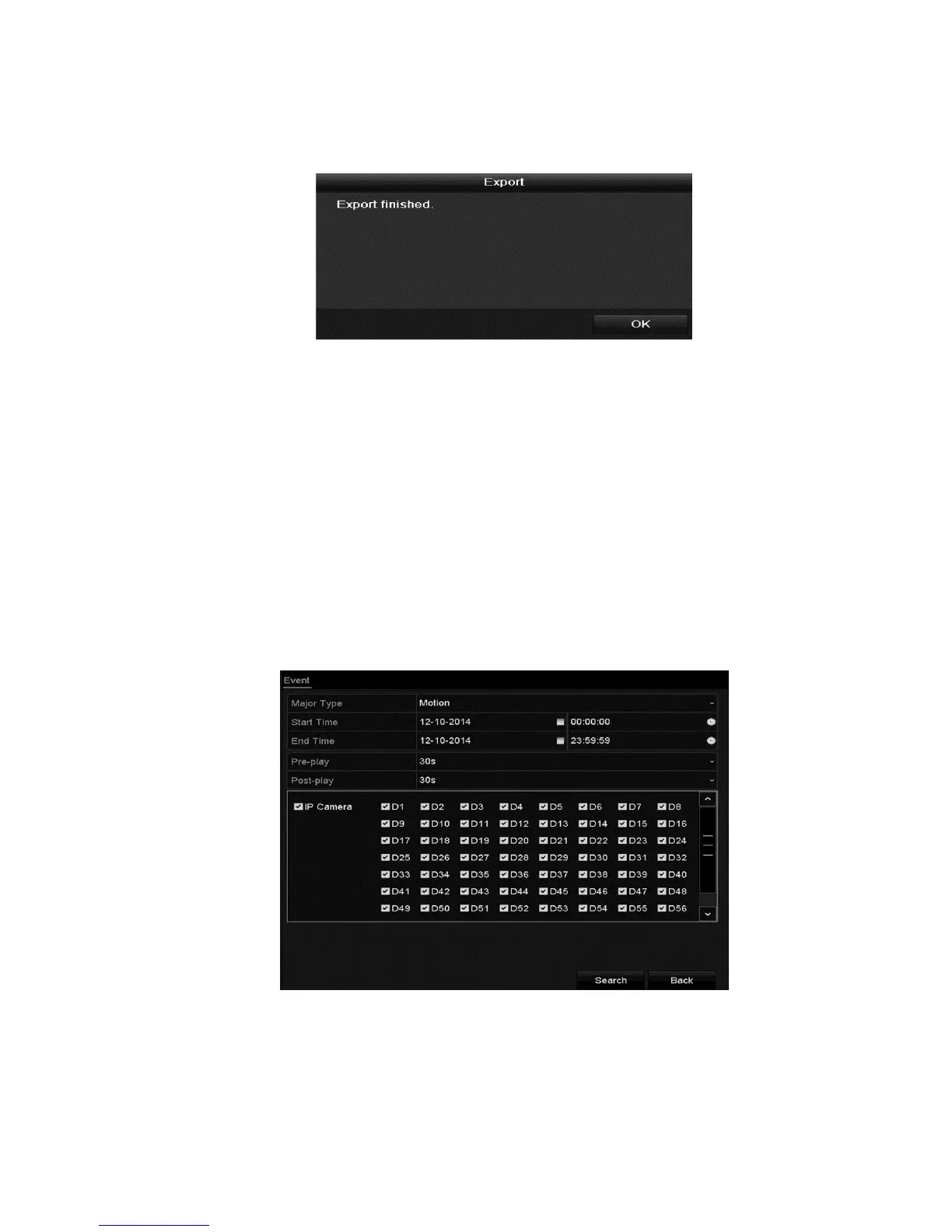
6. Stay in the Exporting interface until all record files are exported. When
complete, the dialog displays “Export finished.”
Event search back up
Back up event-related record files using USB devices (USB flash drives, USB
HDDs, USB writer), SATA writer or eSATA HDD. Quick Backup and Normal
Backup are supported.
To back-up by event search:
1. Browse to the Export interface.
Menu > Export > Event
2. Select the cameras.
3. Set the event type to alarm input, motion, or VCA.
4. Configure the search conditions, and then click Search. The matching video
files are displayed.



 To Next Page