RAID
ClareVision Plus Network Video Recorder User Manual 149
To automatically rebuild an array:
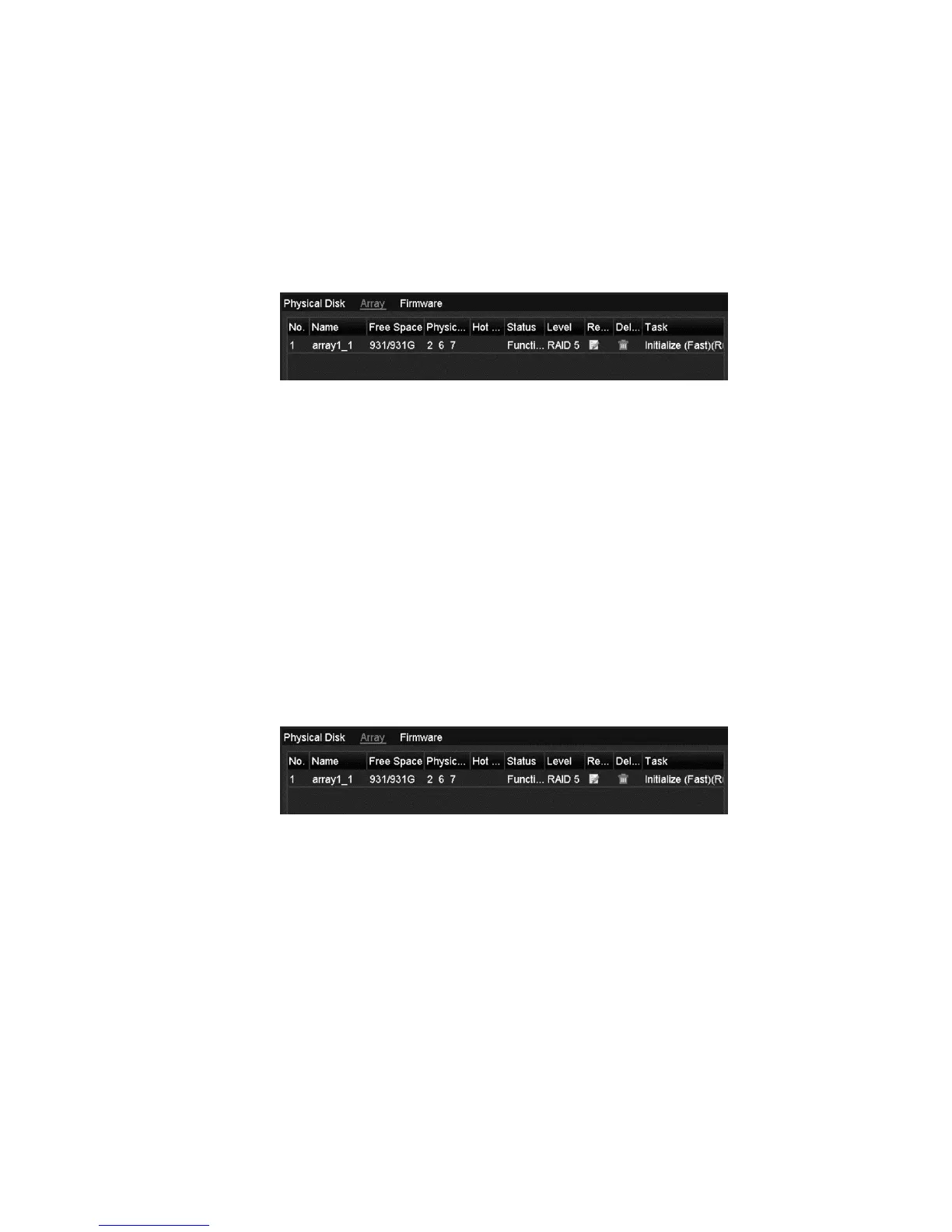
1. Browse to the Array Settings interface.
Menu > HDD > RAID > Array
The status of the array is Disk Loss. If the hot spare disk is configured and
Auto-rebuild function is enabled, the hot spare disk is automatically used for
array rebuilding.
Note: If there is no hot spare disk after rebuilding, we recommend installing the
HDD into the device and setting it as a hot spare disk. This ensures high security
and reliability of the array.
Manually rebuilding array
If you do not enable the auto-rebuild in Firmware Settings interface
(Menu > HDD > RAID > Firmware), or if the hot spare disk is not configured, you
can rebuild the array manually to restore the array when the virtual disk is in
Degraded status.
To manually rebuild an array:
1. Browse to the Array Settings interface.
Menu > HDD > RAID > Array



 To Next Page