HDD Management
ClareVision Plus Network Video Recorder User Manual 161
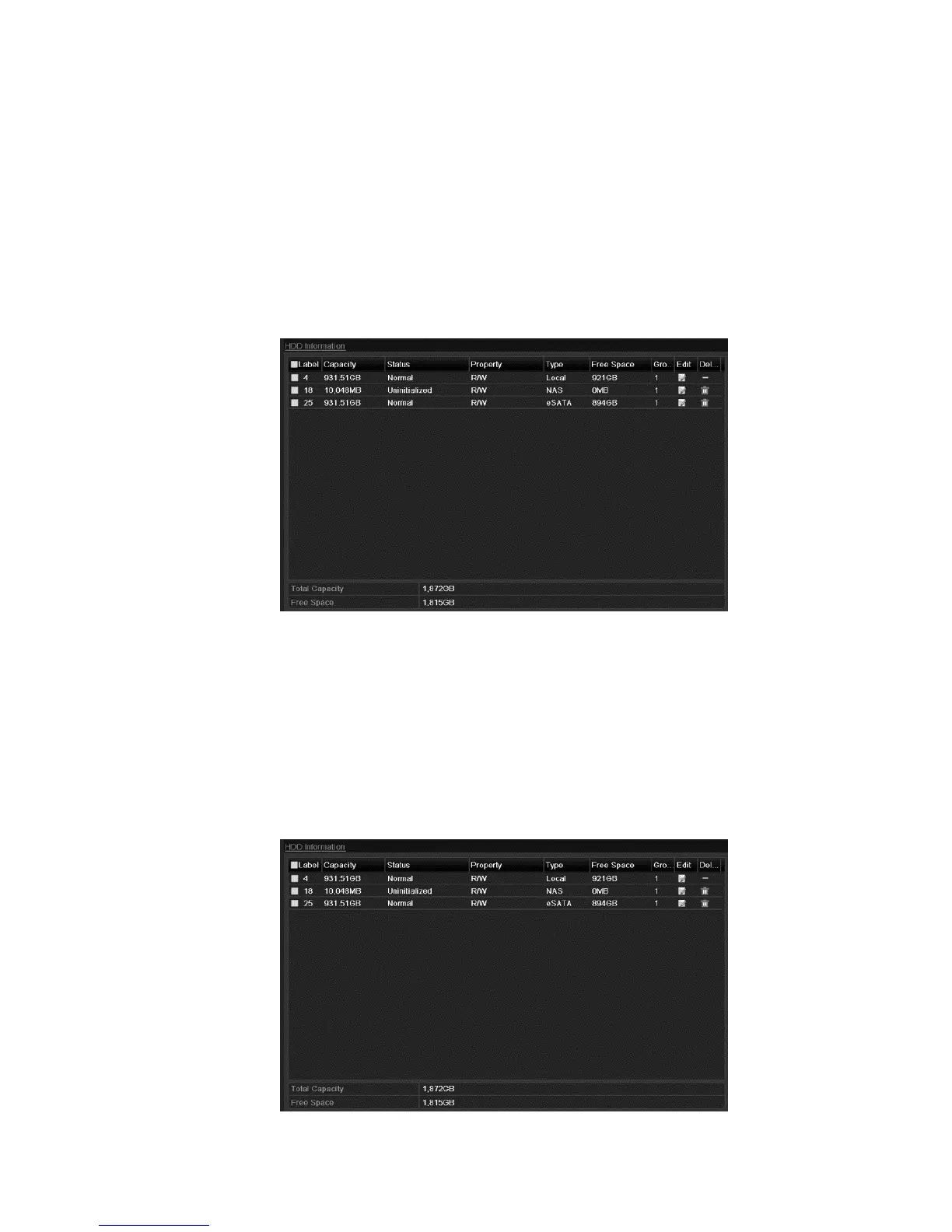
Checking HDD status
You can check the status of the HDDs installed on the NVRs so that you can
take immediate action in case of an HDD failure.
To check the status on the General tab:
1. Browse to the HDD Information interface.
Menu > HDD > General
2. Check the status of each HDD displayed in the list.
Note: If the status is Normal or Sleeping, then the HDD is working normally. If
the status is Uninitialized or Abnormal, initialize the HDD before use. If the HDD
initialization failed, replace it with a new one.
To check the status on the System Info tab:
1. Browse to the System Information interface.
Menu > Maintenance > System Info
2. Click the HDD tab to view the status of each listed HDD.



 To Next Page