87 Network Video Recorder User Manual
Backup
Backing up recorded files
Quick export
Export recorded files to backup devices quickly.
To use quick export:
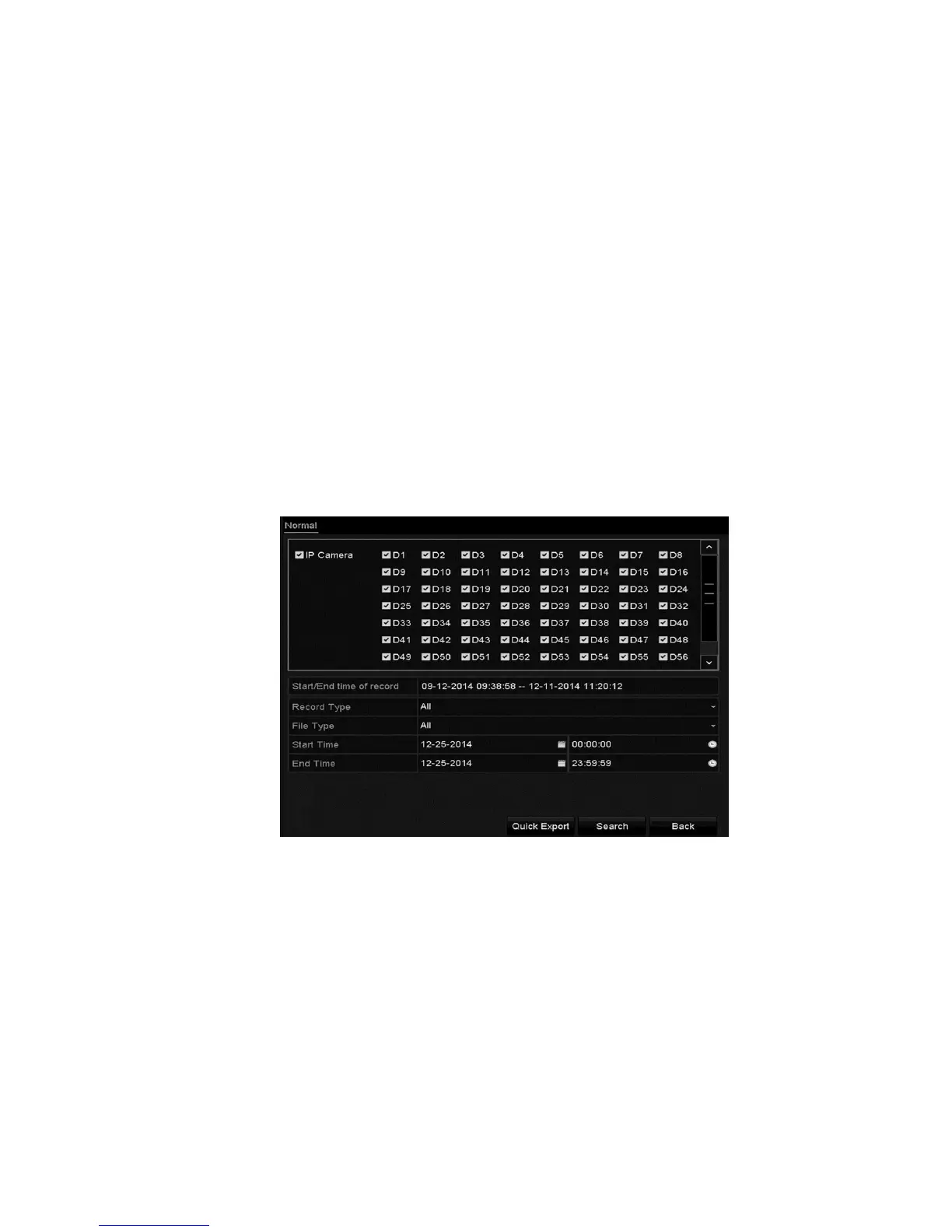
1. Browse to the Export interface.
Menu > Export > Normal
2. Select the desired channels, and then click Quick Export.
3. Select the format that the logs are exported to. Select up to 9 formats.



 To Next Page