PTZ Settings
48 ClareVision Plus Network Video Recorder User Manual
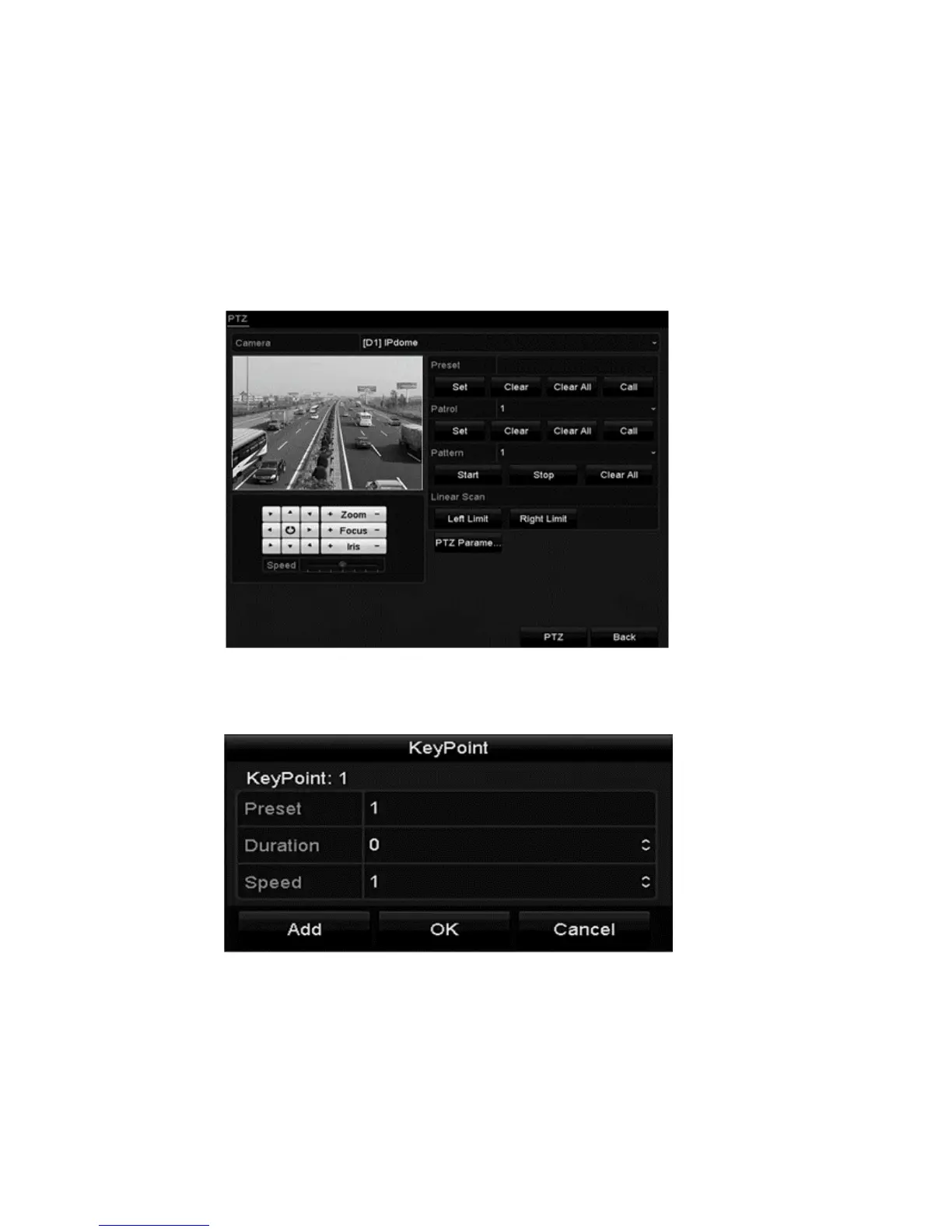
Customizing patrols
Patrols can be set to move the PTZ to different key points, dwell for a set time,
and move to the next key point.
To customize patrols:
1. Browse to the PTZ Control interface.
Menu > Camera > PTZ
2. Select the patrol number from the patrol drop-down.
3. Click Set to add key points (presets) to the patrol.



 To Next Page