Record and Capture Settings
66 ClareVision Plus Network Video Recorder User Manual
To disable continuous capture:
1. Click the status button to change ON to OFF.
Note: The green ON icon indicates that the channel is configured to a capture
schedule. After rebooting, all continuous captures are canceled.
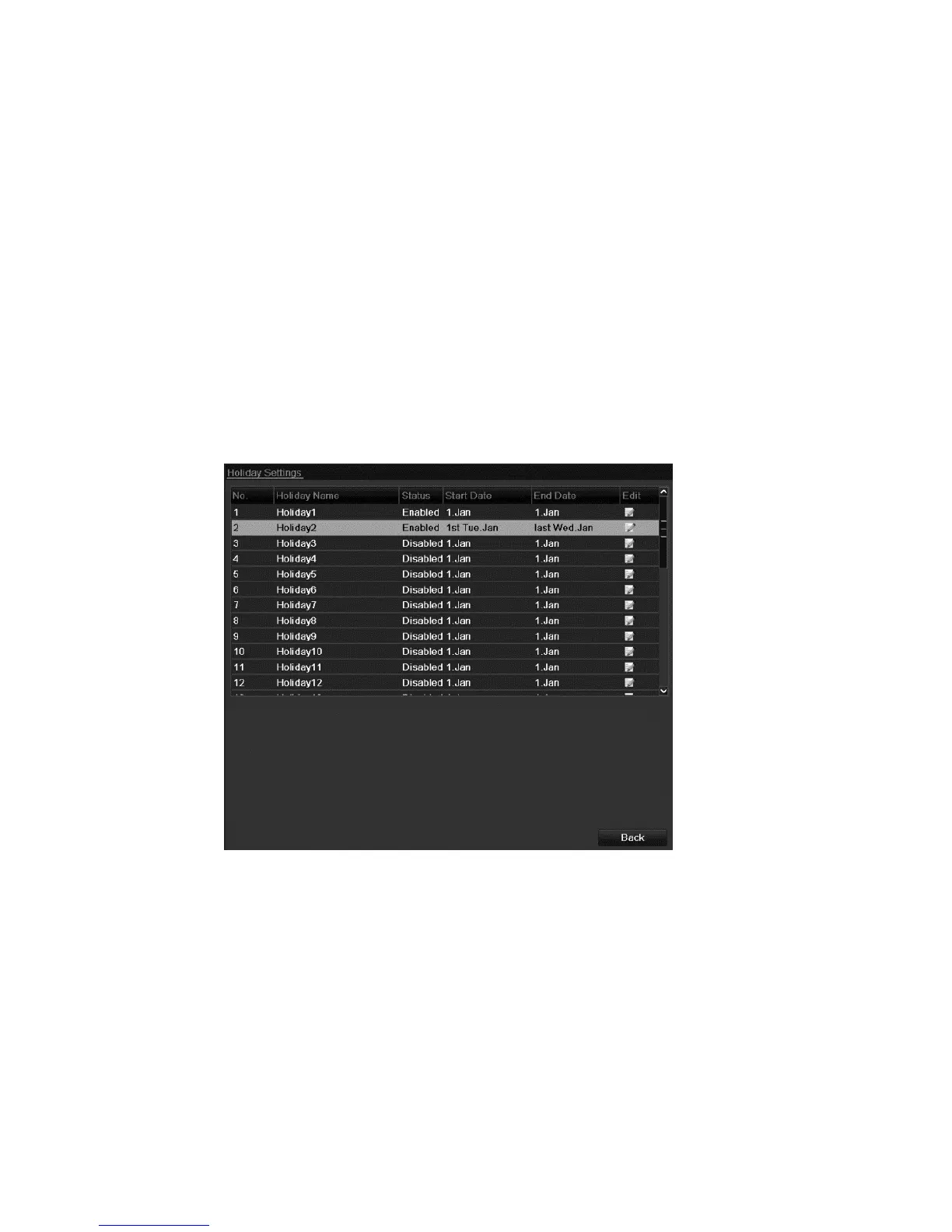
Configuring holiday record and capture
Follow the steps below to configure the record or capture schedule for holidays.
You may have different plans for recording and capture on holidays.
To configure holiday record and capture:
1. Browse to the Record setting interface.
Menu > Record > Holiday



 To Next Page