Live View
ClareVision Plus Network Video Recorder User Manual 43
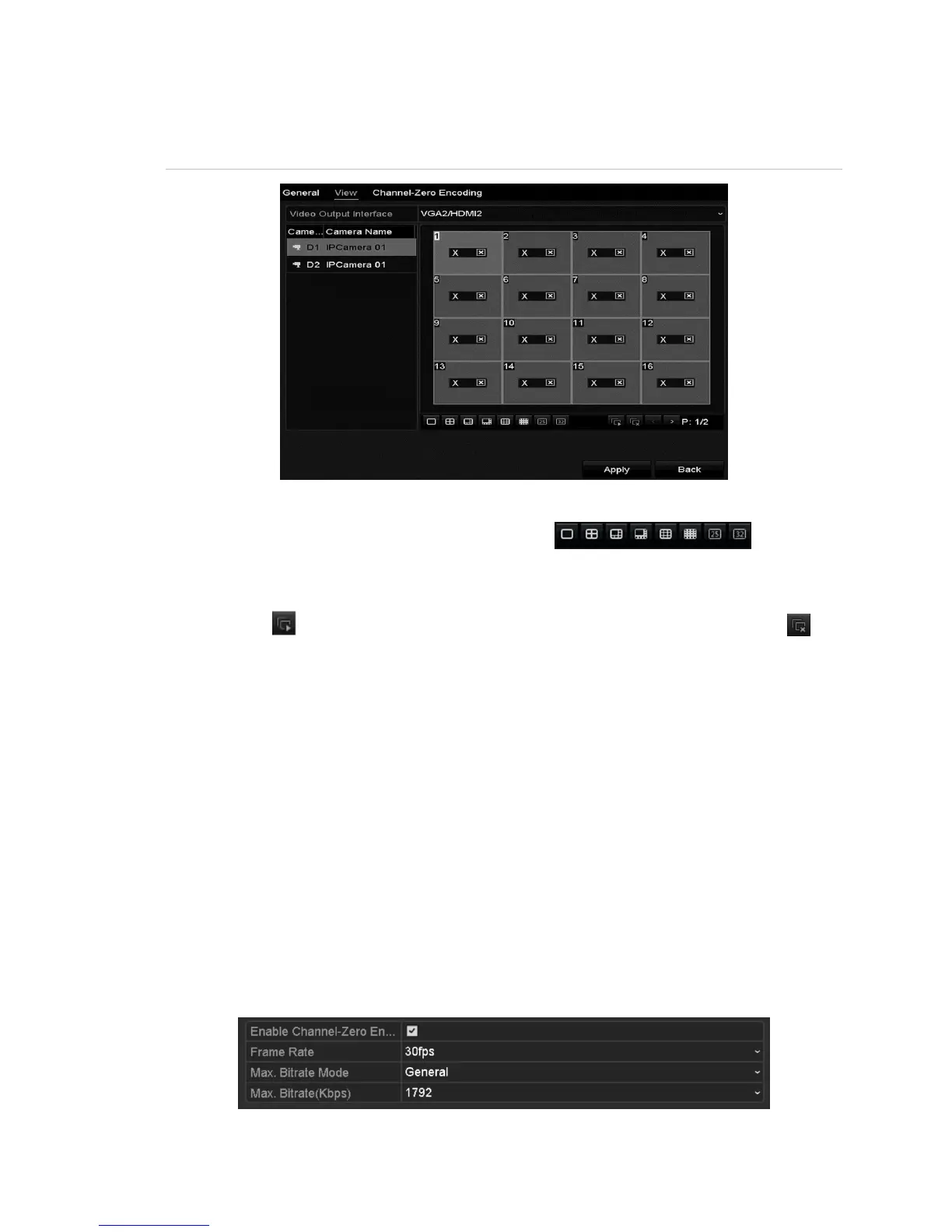
Setting cameras order
Figure 22: Live View – camera order
To set the camera order:
1. Select a view mode using the toolbar icons .
2. Select the small window, and then double-click the channel number to display
the channel in the window.
3. Click the button to start live view for all the channels, and then click to
stop all live viewing.
4. Click the Apply button to save the setting.
Channel-zero encoding
Sometimes a remote view of channels in real time from a web browser or CMS
(Client Management System) software is necessary. In order to decrease the
bandwidth requirement without affecting image quality, channel-zero encoding is
supported.
To configure channel-zero encoding:
1. Enter the Live View Settings interface.
Menu > Configuration > Live View
2. Select the Channel-Zero Encoding tab.



 To Next Page