Backup
92 ClareVision Plus Network Video Recorder User Manual
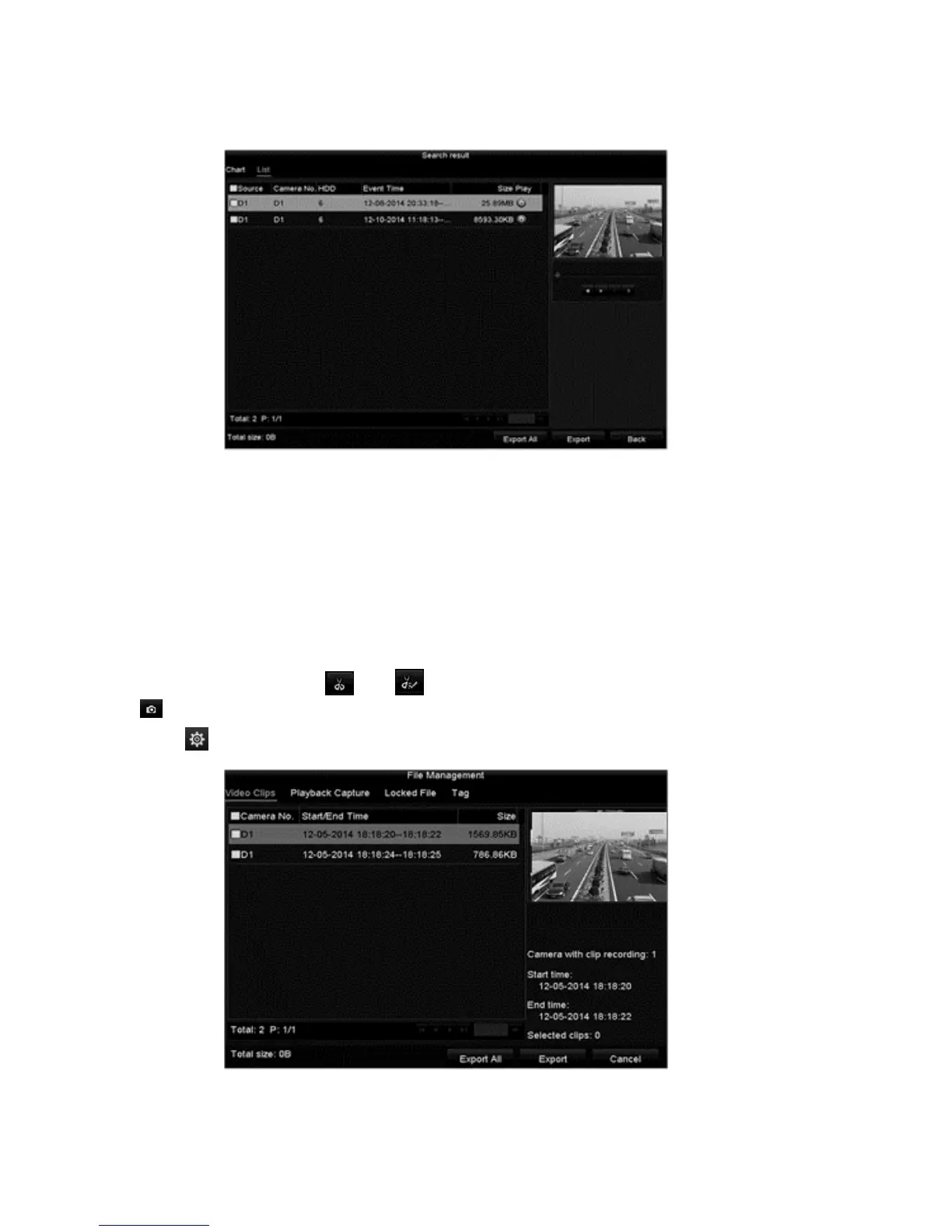
5. Select the desired video files, and then click Export/Export All.
Video clip back up
You can also select video clips to export directly during Playback using USB
devices (USB flash drives, USB HDDs, USB writer), SATA writer, or eSATA
HDD.
To backup video clips:
1. Browse to the Playback interface.
Menu > Export > Event
2. During playback, click and to start or stop clipping record files, or click
to capture pictures.
3. Click to access the file management interface.
4. Export the video clips/pictures.



 To Next Page