Network Settings
134 ClareVision Plus Network Video Recorder User Manual
5. Configure the following email settings.
Enable Server Authentication (optional): Select the check box to enable
the server authentication feature.
User Name: The user account of sender’s email for SMTP server
authentication.
Password: The password of sender’s email for SMTP server
authentication.
SMTP Server: The SMTP server IP address or host name (e.g.,
smtp.263xmail.com).
SMTP Port: The SMTP port in use. The default TCP/IP port used for SMTP is
25.
Enable SSL (optional): Select the check box to enable SSL, if required by
the SMTP server.
Sender: The name of sender.
Sender’s Address: The email address of sender.
Select Receivers: Select the receiver. You can configure up to three
receivers.
Receiver: The name of user notified.
Receiver’s Address: The email address of user notified.
Enable Attached Pictures: Select the Enable Attached Picture check box
to send emails with attached alarm images. The interval is the time of two
adjacent alarm images. You can also set SMTP port and enable SSL here.
Interval: The interval is the time between two actions of sending attached
pictures.
6. Click Apply to save the email settings.
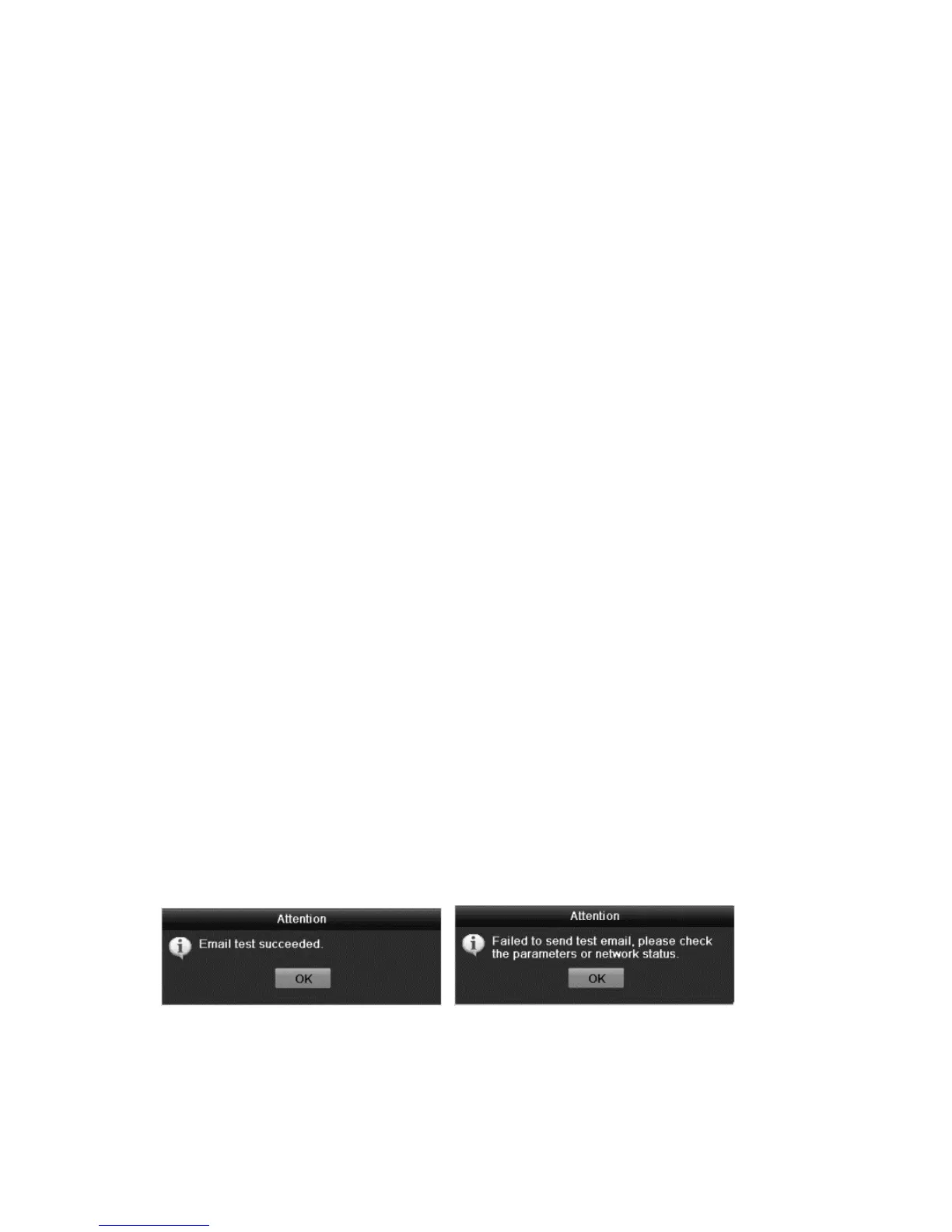
7. Click Test to verify your email setting are working properly.
The Attention dialog displays the results.



 To Next Page