Playback
78 ClareVision Plus Network Video Recorder User Manual
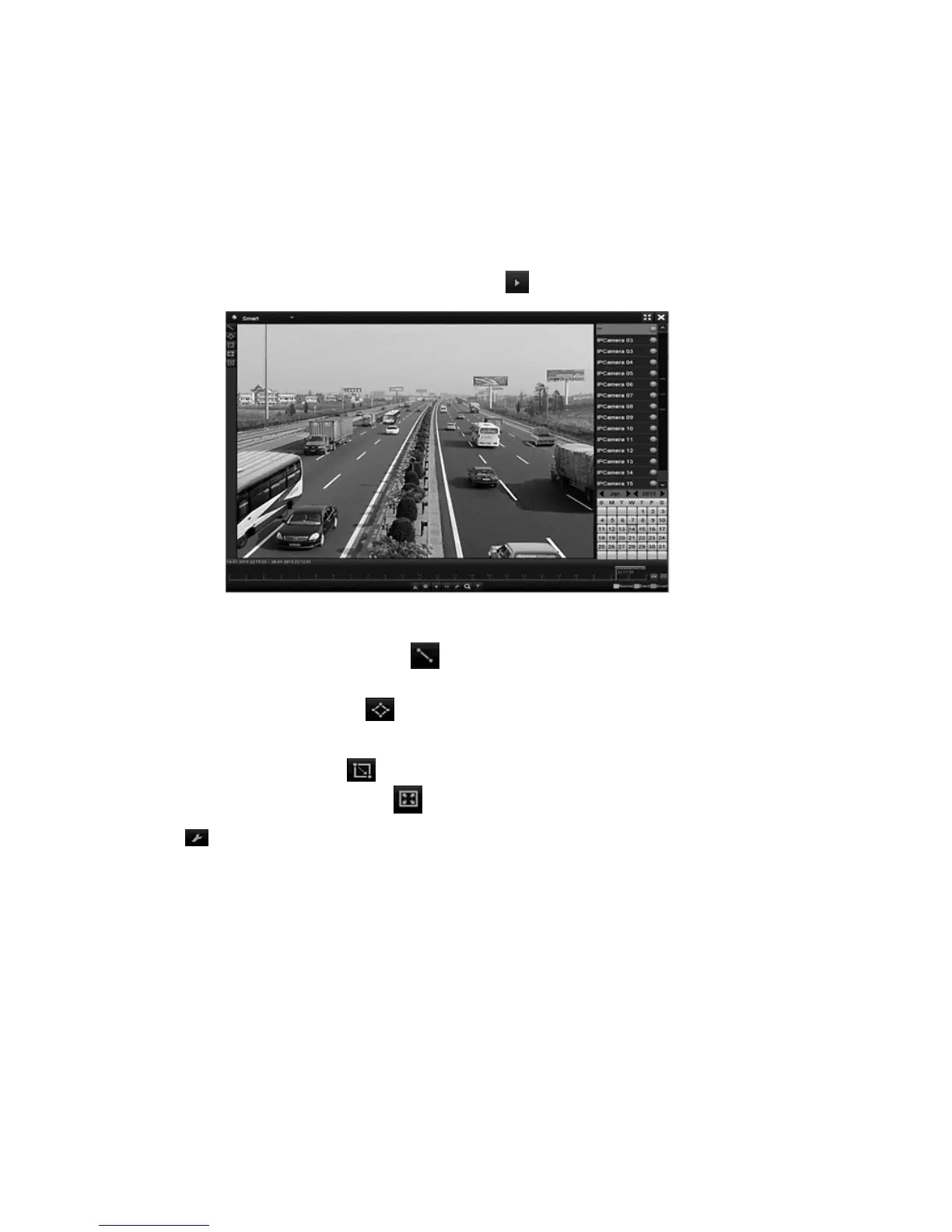
To use Smart Playback:
1. Browse to the Playback interface.
Menu > Playback
2. In the top-left drop-down, select Smart.
3. Select the desired camera.
4. Select a date in the calendar, and then click .
5. Set the rules and areas for VCA or motion event smart search.
Line Crossing Detection: Click , and then click the image to set the start
and points in the line.
Intrusion Detection: Click , and hen specify the 4 points, creating a
quadrilateral region, for intrusion detection. Only 1 region can be configured.
Motion Detection: Click , and then click drag the mouse, setting the
detection area manually. Click to select the full screen.
6. Click to configure smart settings.
Skip the Non-Related Video: Non-related video is not played when this
function is enabled.
Play Non-Related Video at: Set the speed to play the non-related video.
Play Related Video at: Set the speed of play for related video.
Note: Pre and post play are not available for motion event types.



 To Next Page