NVR Management and Maintenance
ClareVision Plus Network Video Recorder User Manual 169
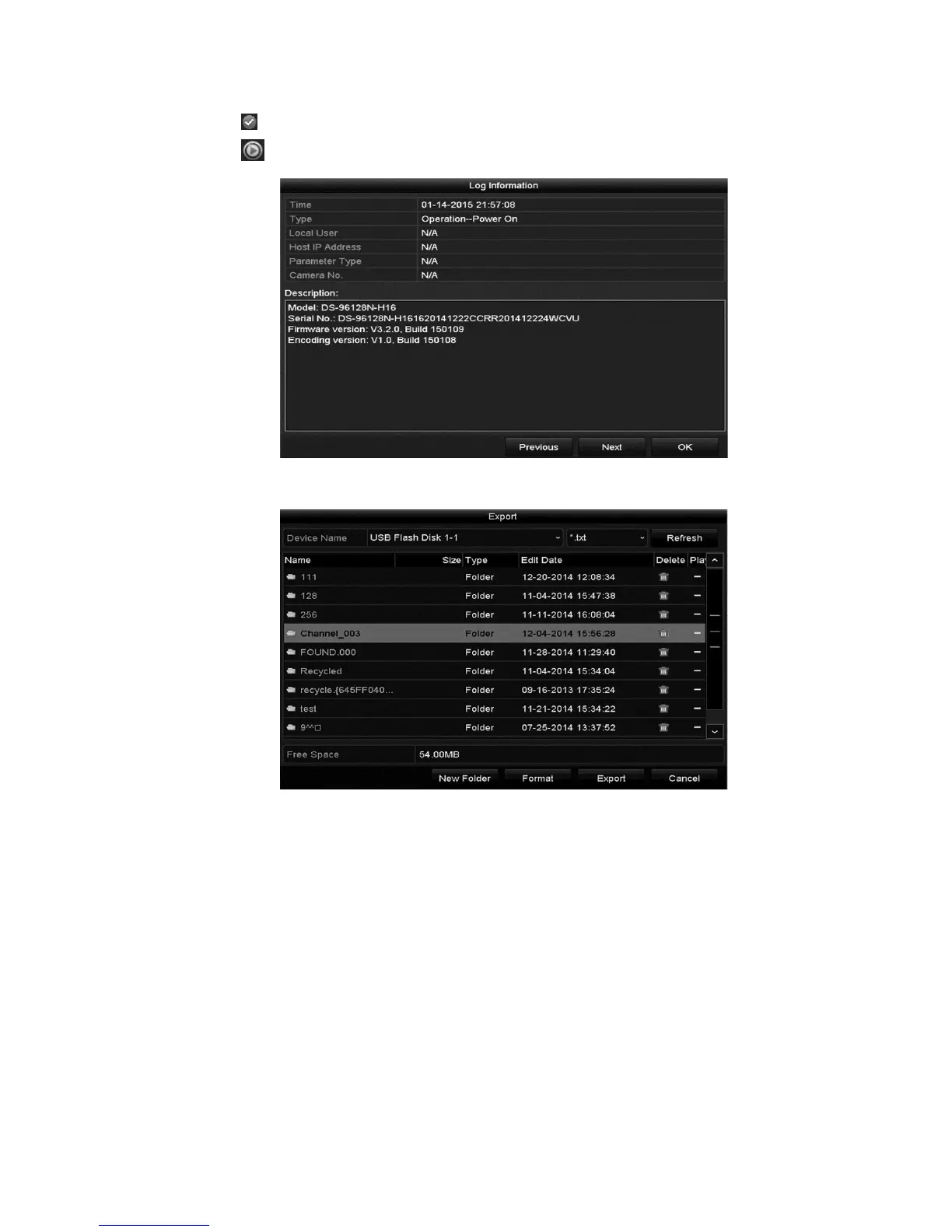
4. Click or double-click the desired log to view its detailed information.
5. Click to view the related video files if available.
6. To export the log files, click Export.
7. Select the backup device from the Device Name drop-down list.
8. Click the Export to export the log files to the selected backup device.
9. Click the New Folder button to create a new folder in the backup device.
– or –
Click Format to format the backup device before log export.
Note: Connect the backup device to the NVR before exporting the log files.



 To Next Page