Getting Started
ClareVision Plus Network Video Recorder User Manual 23
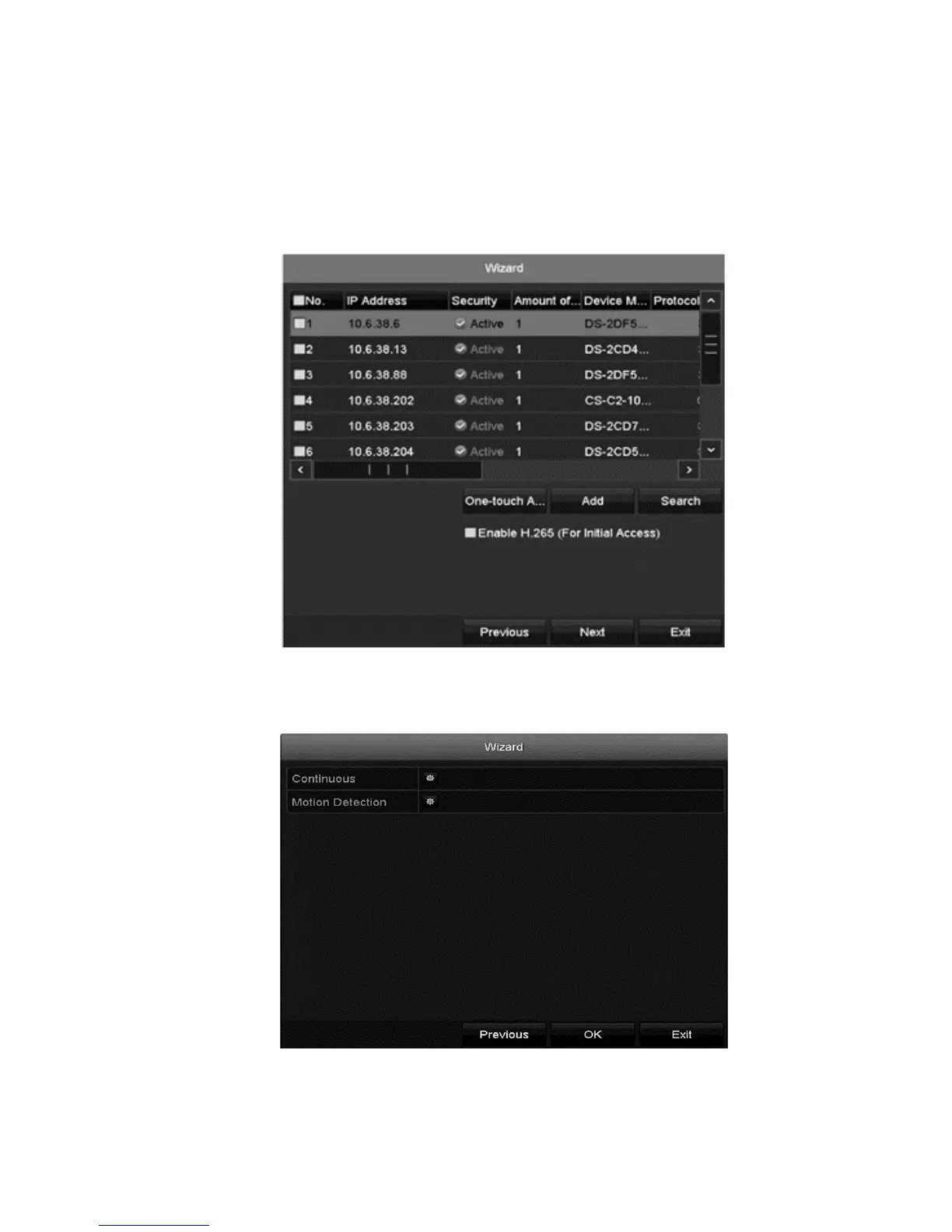
Note: The scrutiny status indicates whether the camera is active or inactive.
Before adding a camera, it must be in the active state.
If the camera is inactive, click the inactive camera icon and set the password.
If there is more than one inactive camera, click One-touch Activate, and all
inactive cameras are activated.
12. Click Add to add a camera.
13. Click Next, select the recording settings for the camera, and then click OK.



 To Next Page