Getting Started
22 ClareVision Plus Network Video Recorder User Manual
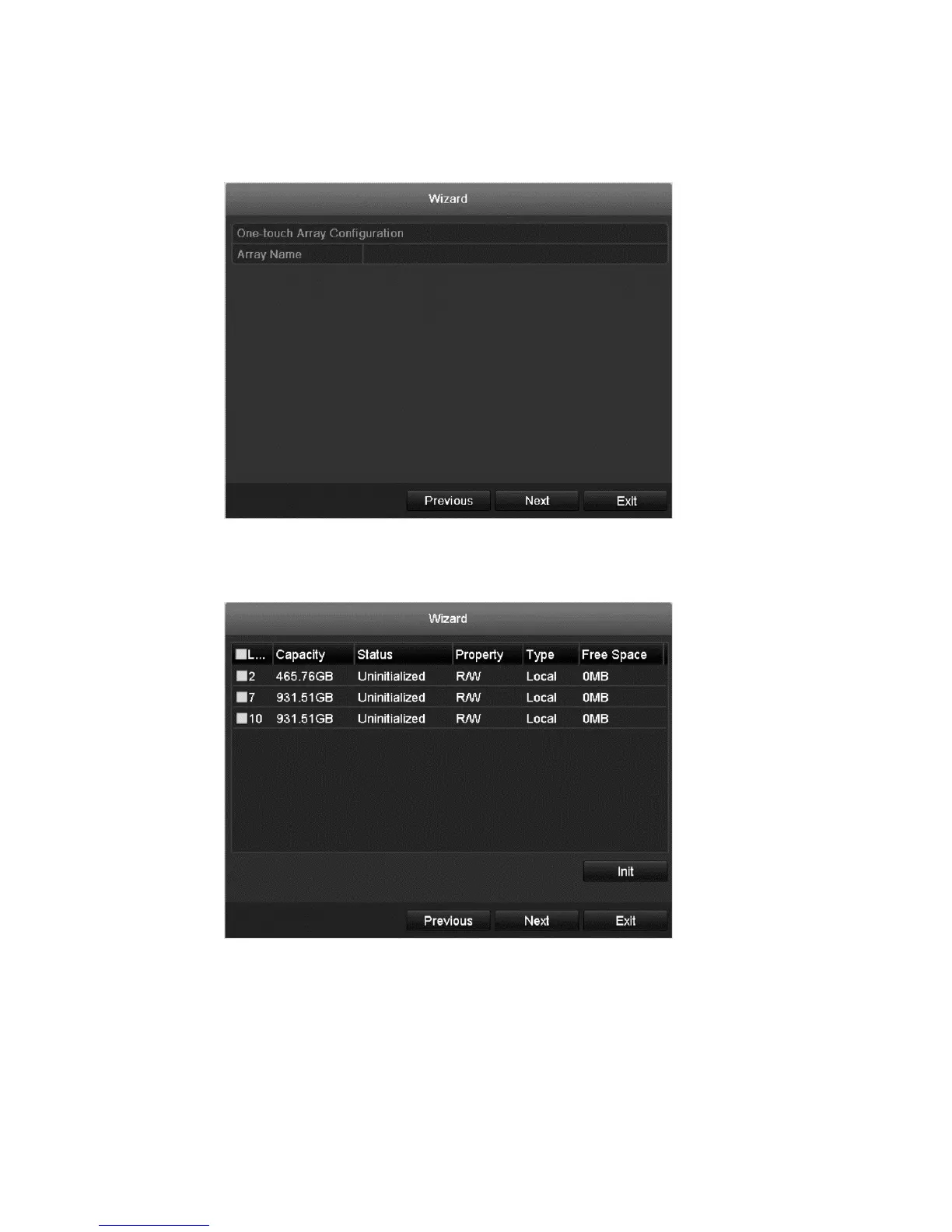
7. Select the Enable RAID checkbox if desired, and then click Next.
The Array Management interface displays.
8. Enter the Array name, and then click Next.
The HDD Management interface displays.
9. Click Init to initialize the HDD.
Note: Initialization removes all data saved in the HDD.
10. Click Next to enter the Adding IP Camera interface.
11. Click Search to search for the online IP camera.



 To Next Page